A Visual History
Back to the storyPrototype
January 2012
The prototype was used to evaluate the technology resources of our design team teachers classrooms. How many computers did they have? What OS and browser? How would teachers use the projector?
The student view was just a simple "digital worksheet," with a list of questions and a textbox for response. Students could not see others responses on their own computer, only the Display View listed all responses.
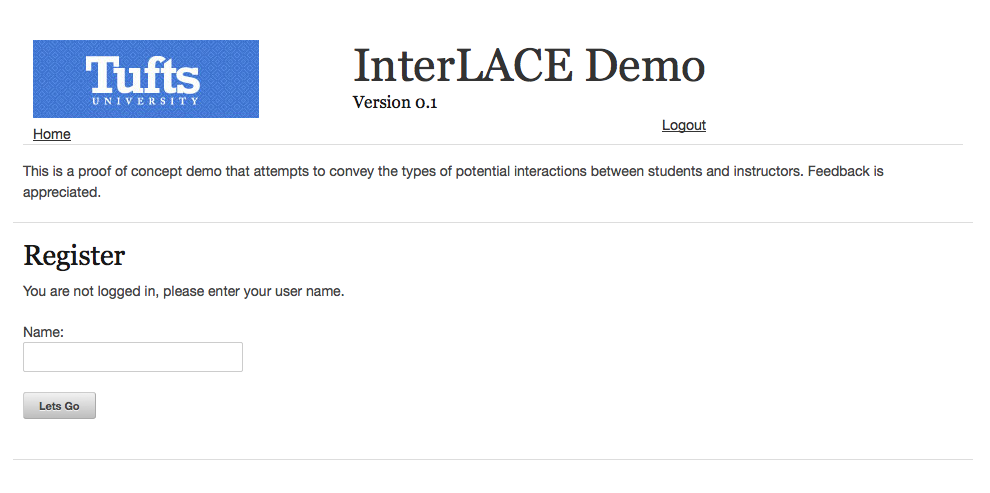 Login
Page
Login
Page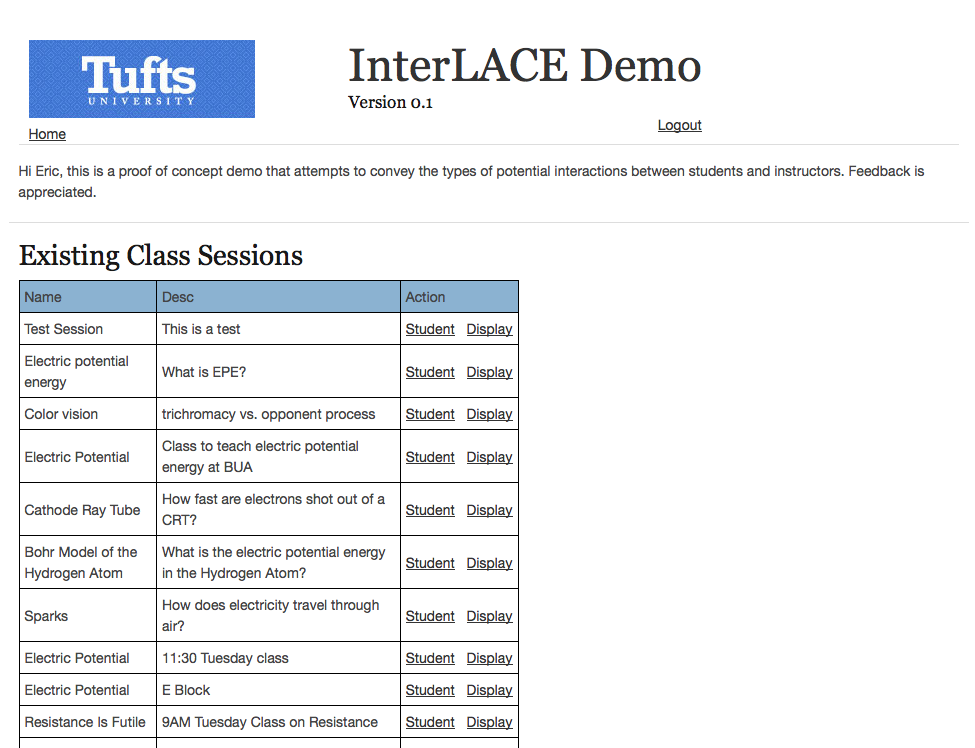 View
of Classes
View
of Classes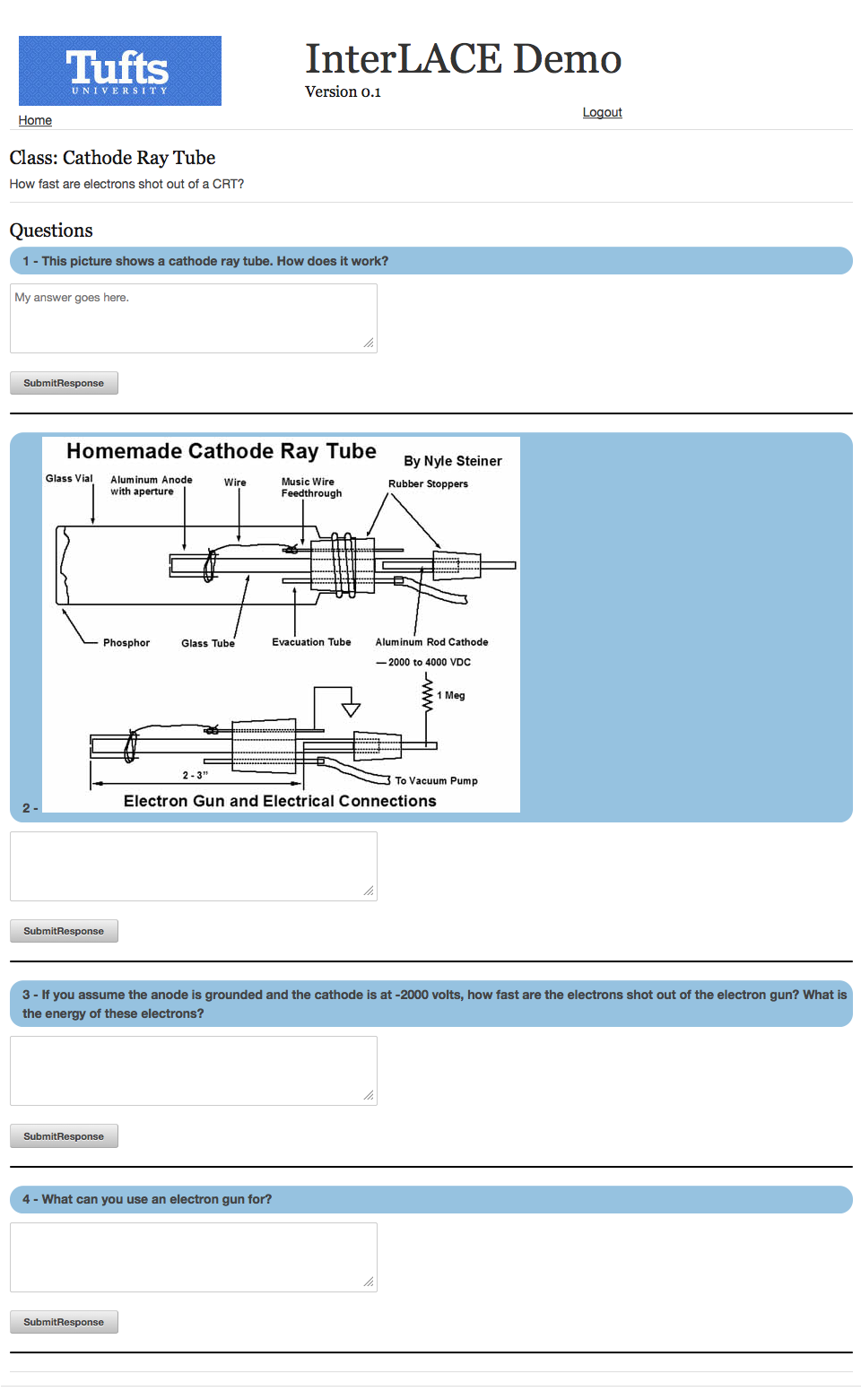 Student
View
Student
View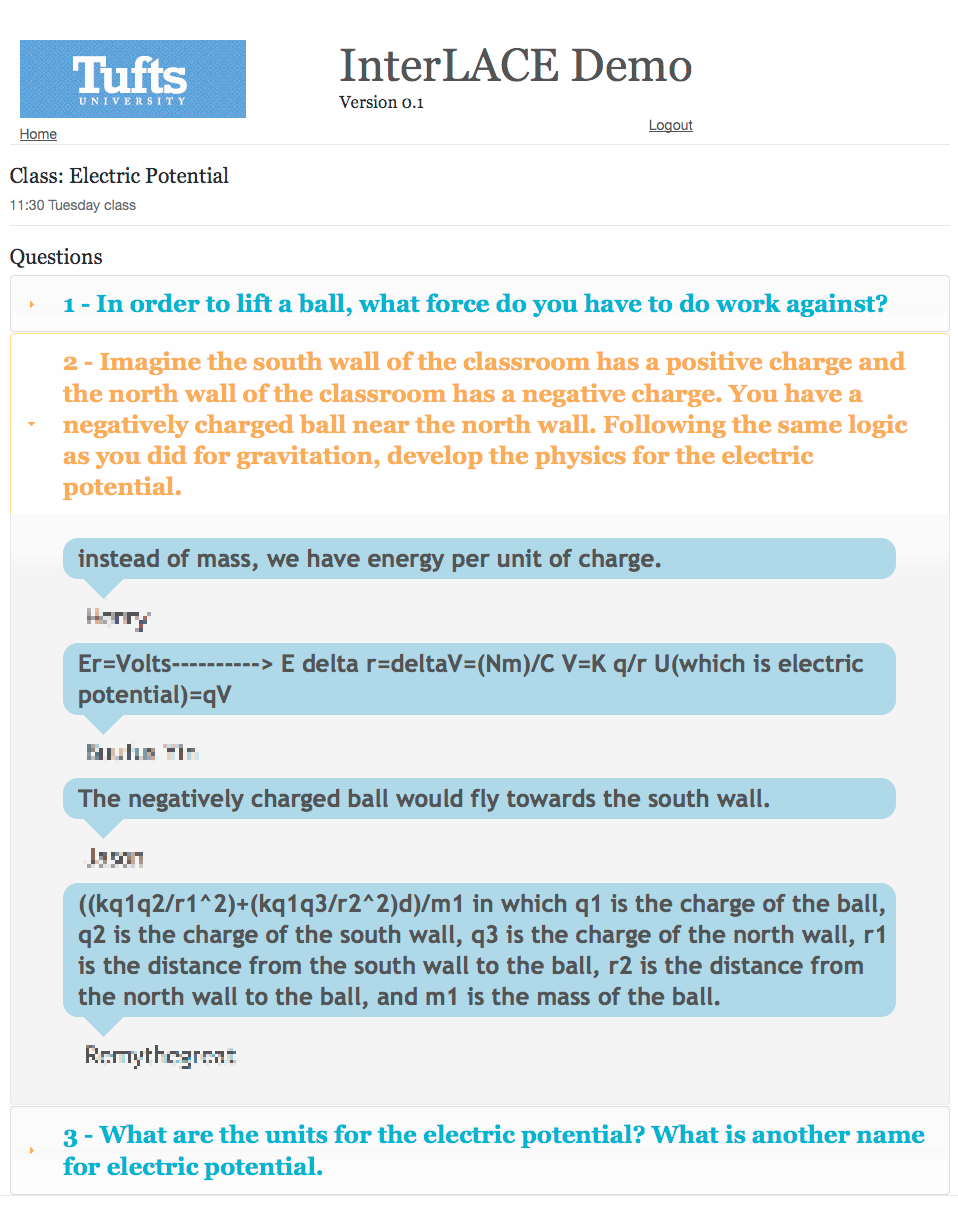 Projector/Display
View
Projector/Display
View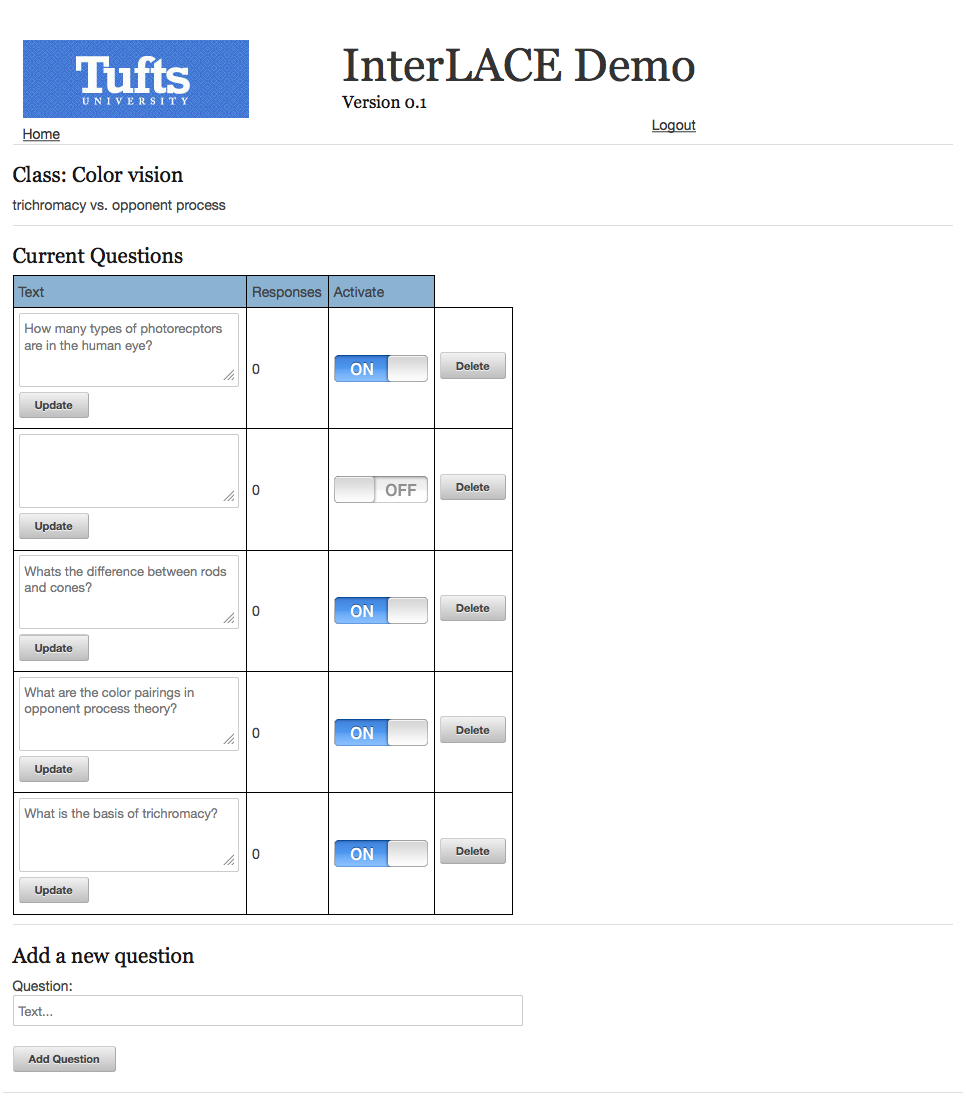 Admin
View
Admin
ViewVersion 1
February 2012 - April 2012
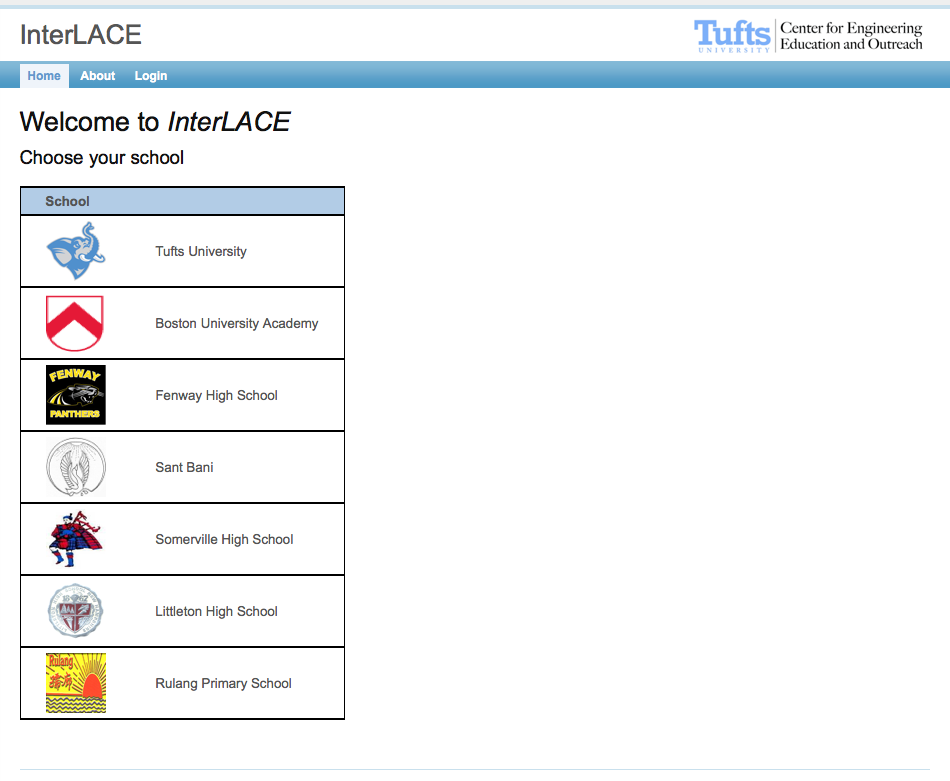
Entirely new system designed for use in the classroom with different spaces for each school.
Students log in with a class password, not individual accounts. They are able to quickly and easily declare members of small groups
There is a seperate "Student View" with a list of questions to answer, and "Display View" which was projected at the front of the room.
The student view is a digital worksheet, with a linear list of questions to answer. The only form of input students could use was text. The display view included a post-it note metaphor of moving objects spatially.
Teachers have the ability to create lesson plans which they can assign to multiple class rosters.
 Home
Page
Home
Page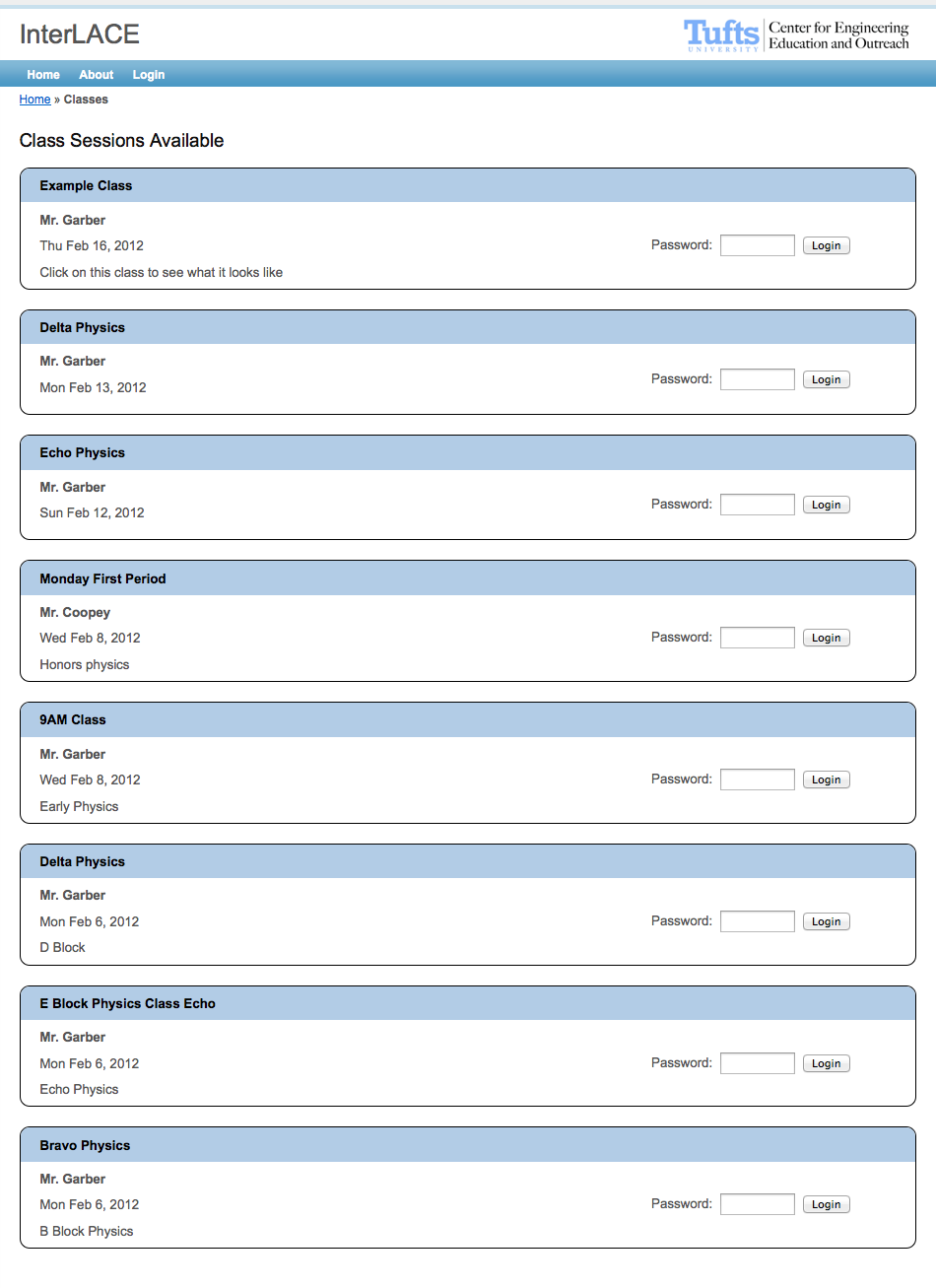 View
of Classes
View
of Classes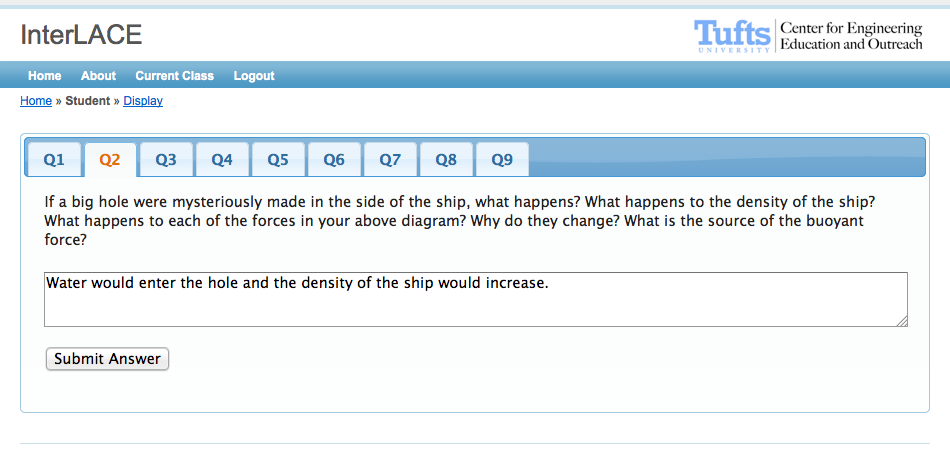 Main
Student View
Main
Student View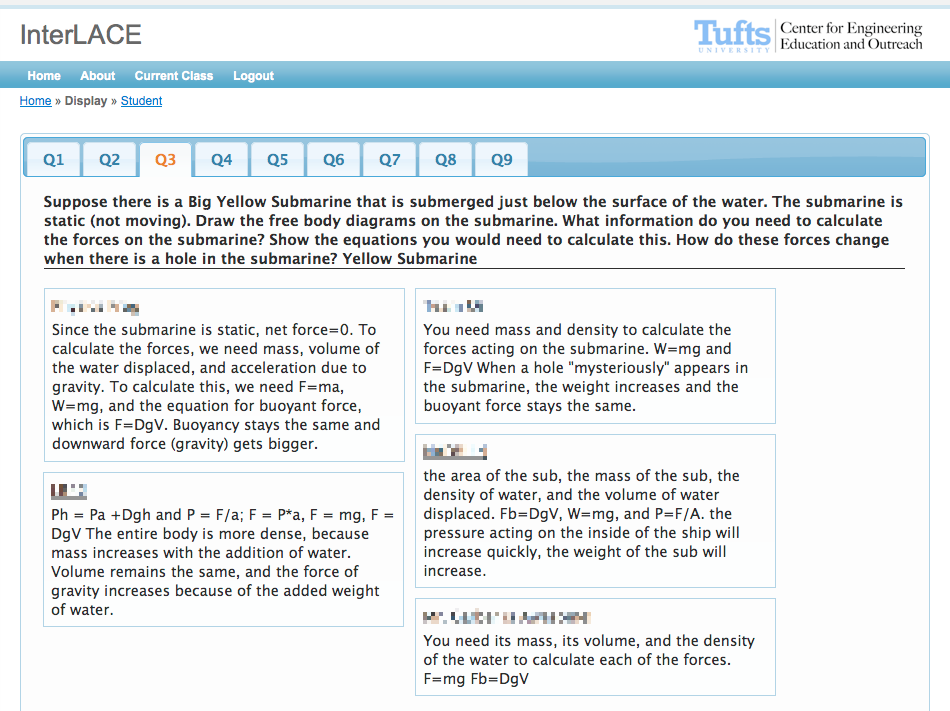 Main
Display View
Main
Display View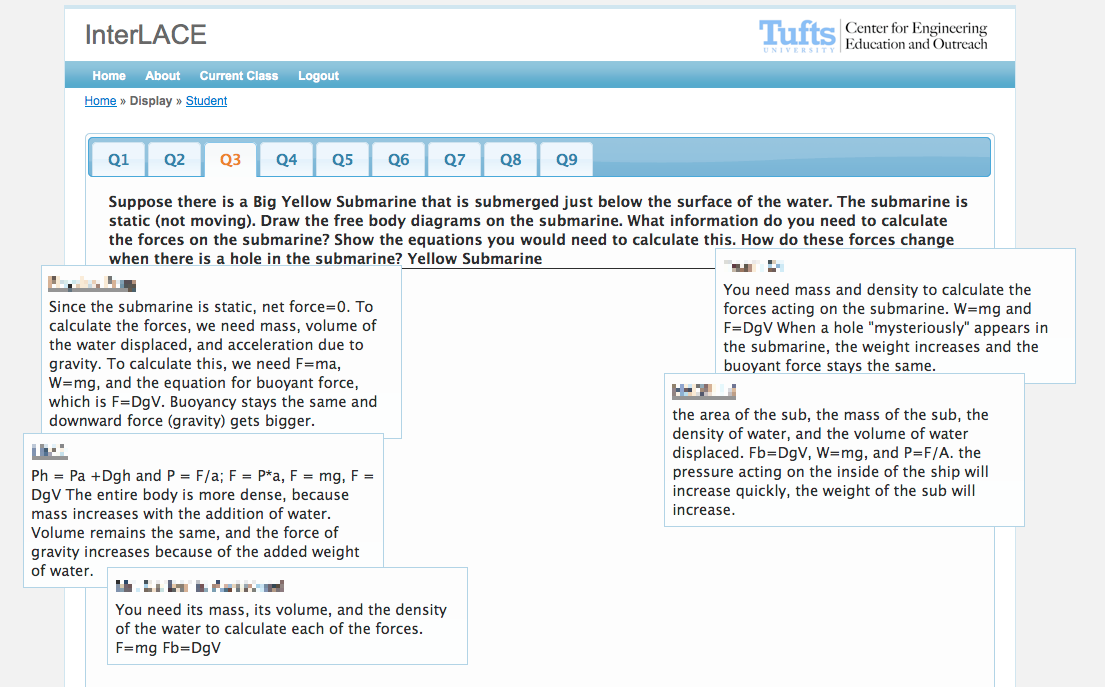 Display
View - Moveable
Display
View - Moveable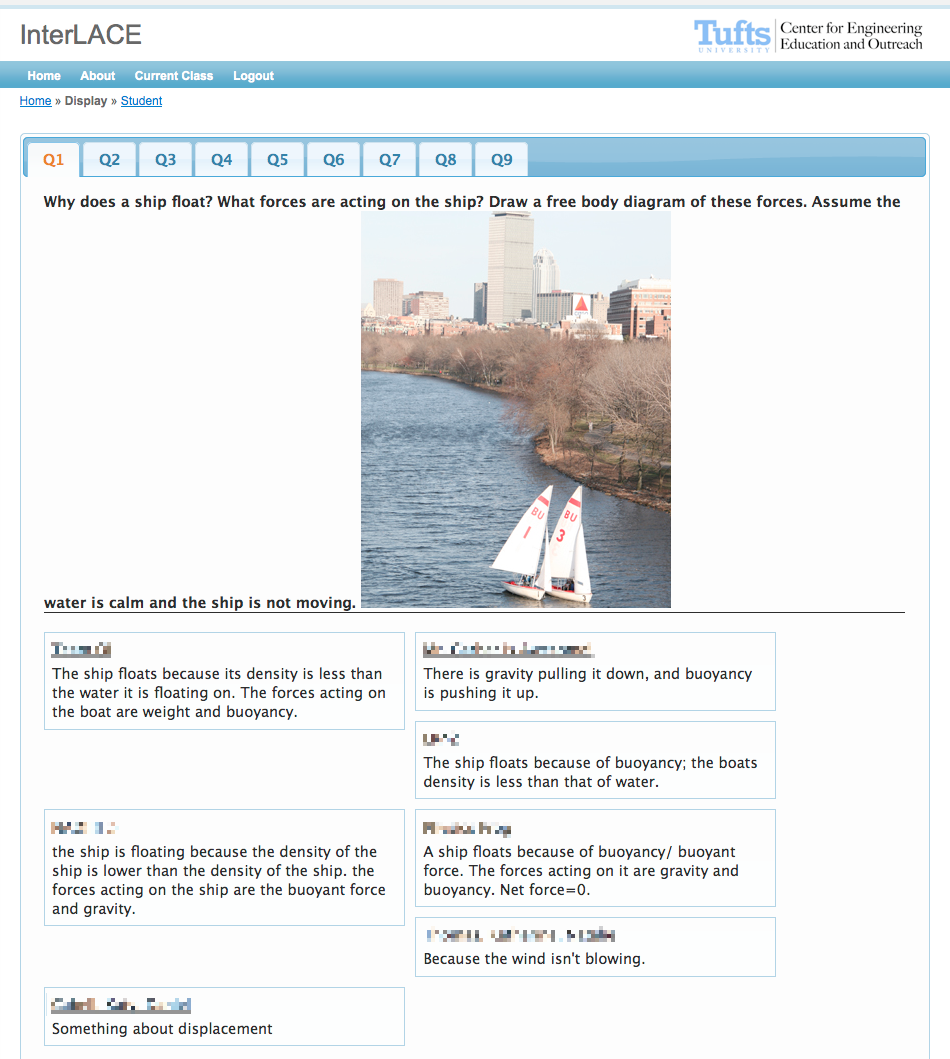 Embedded
Media
Embedded
Media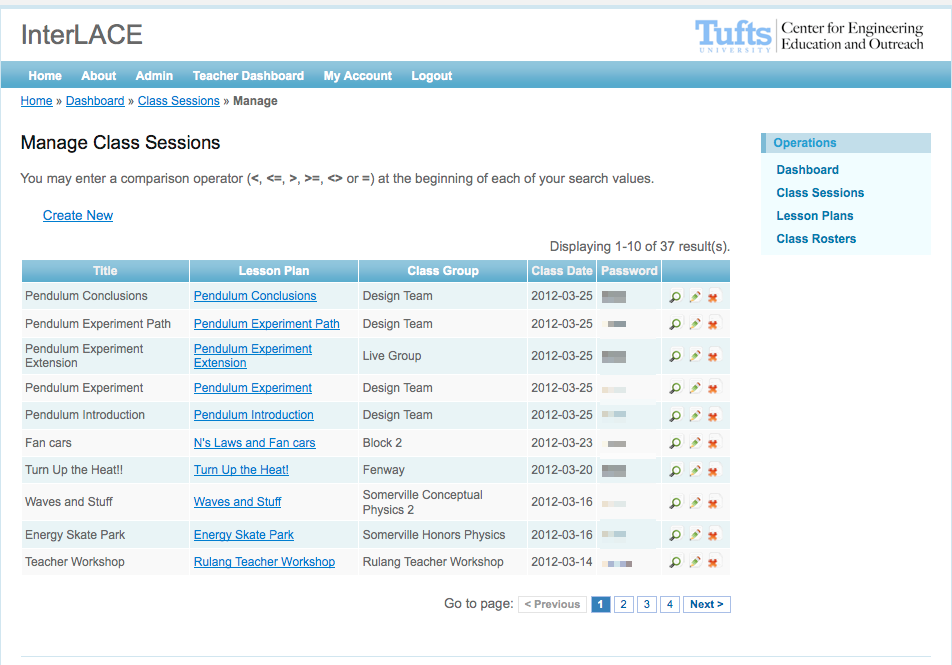 List
of Classes
List
of Classes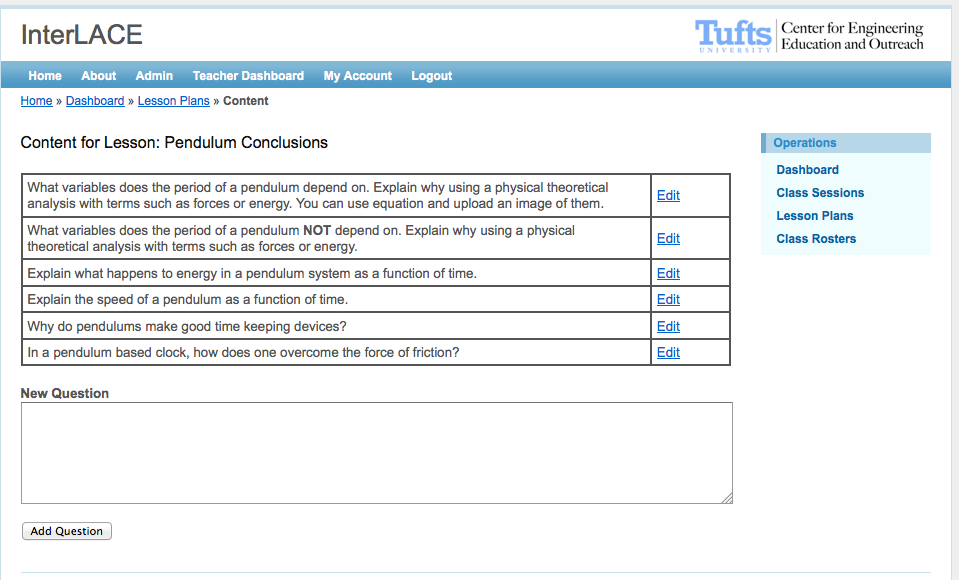 Lesson
Plan Overview
Lesson
Plan Overview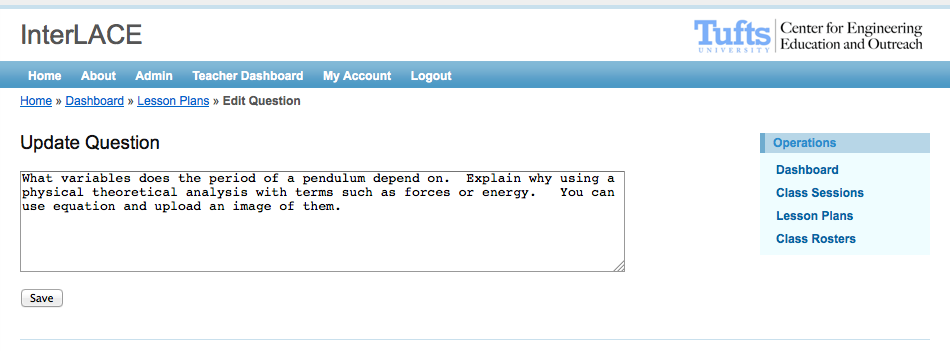 Edit
Question
Edit
Question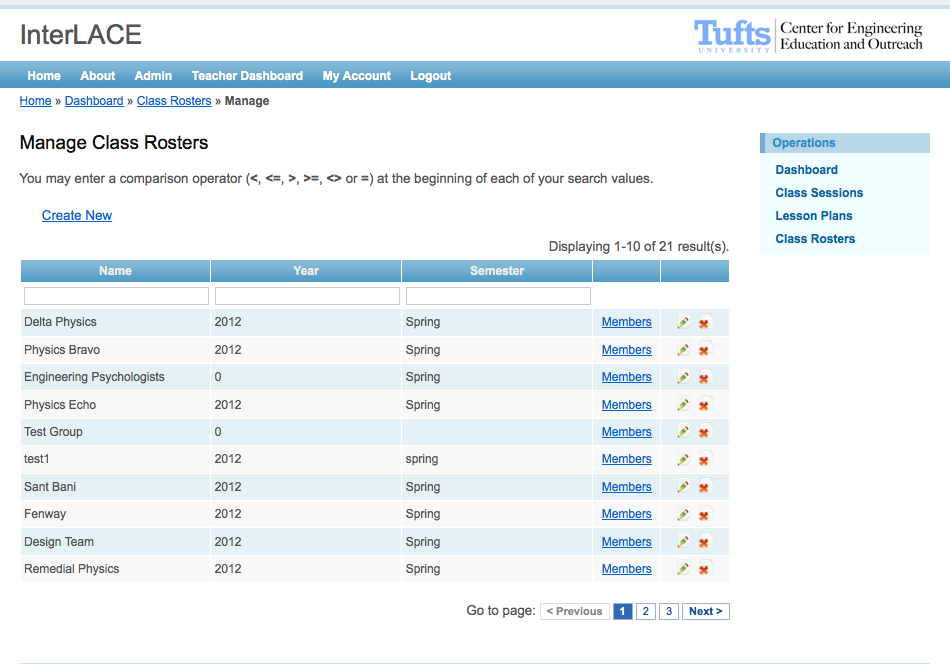 Class
Rosters
Class
RostersVersion 2
April 2012 - August 2012
Linear question list replaced with flexible, open ended top space that allows teachers to scaffold the lesson plan.
No longer a distinction between Student View and Display View, as they are the same persistent, shared collaboration space.
Users wanted to be able to use rich media, so the ability to upload images and take pictures via a webcam are created.
InterLACE is often used concurrently by users in the same room, so timely notifications of new content was needed. Students and teachers can now directly respond to others ideas.
Classroom specific features requested by teachers: the ability to highlight a single response, or directly compare two ideas.
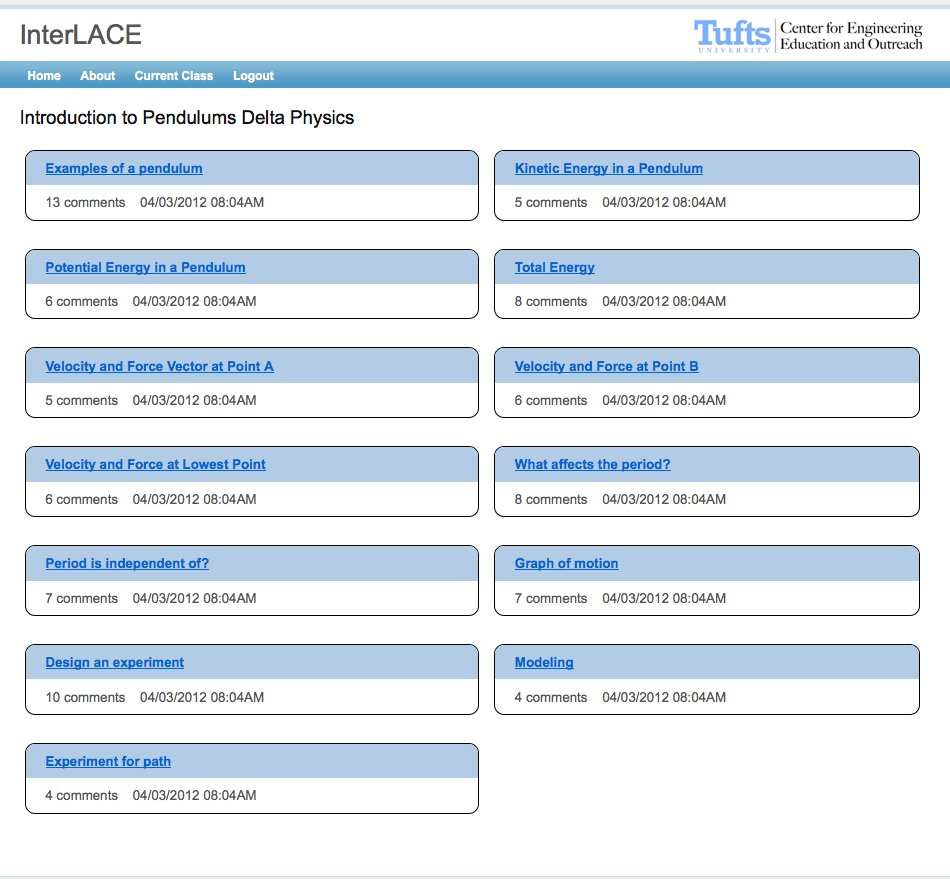 Discussion
Topics
Discussion
Topics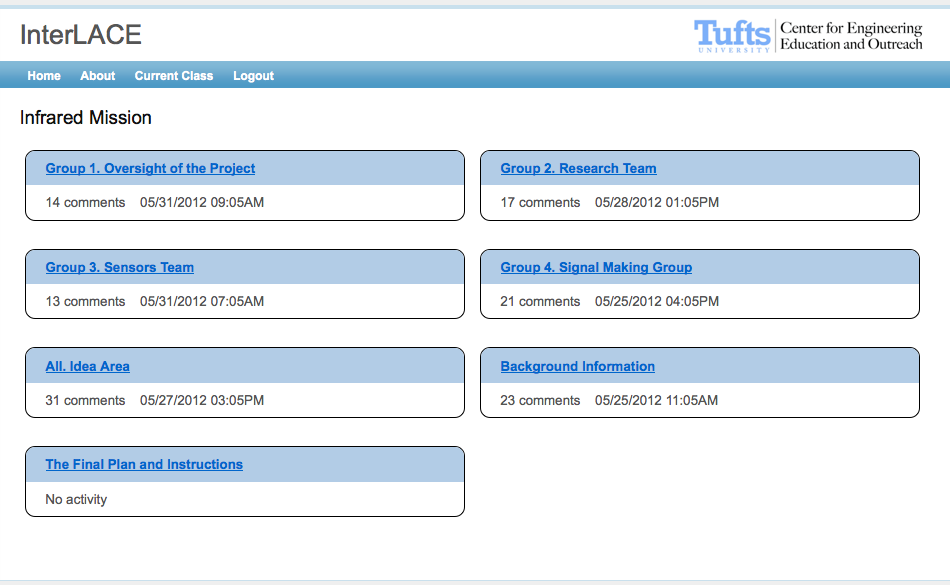 View
of Classes
View
of Classes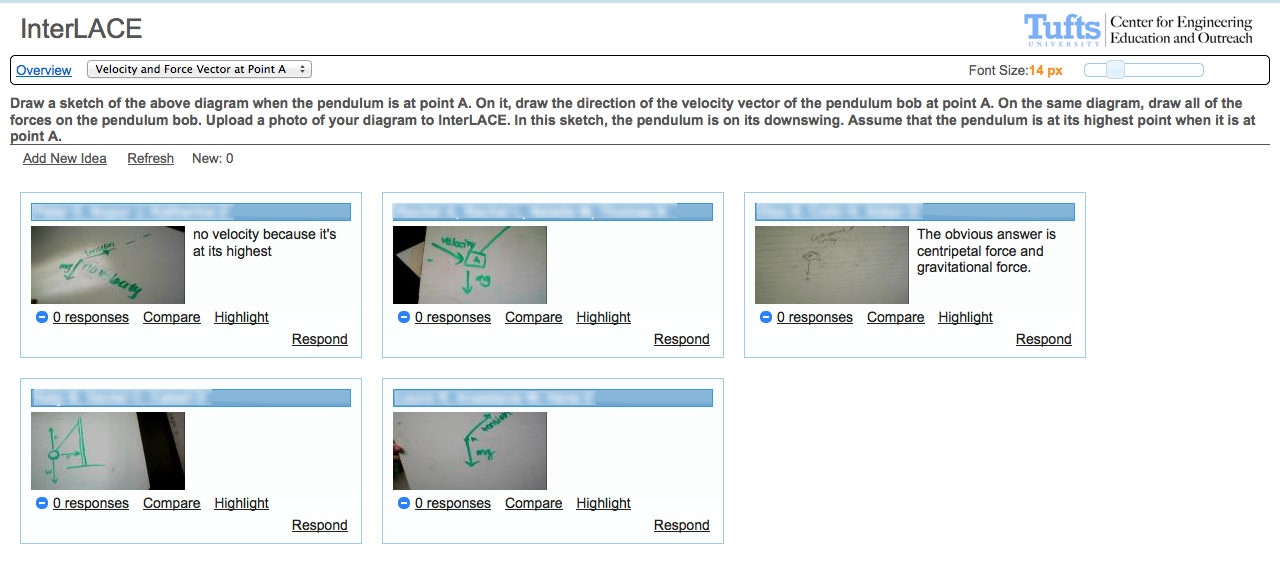 Collaboration
View
Collaboration
View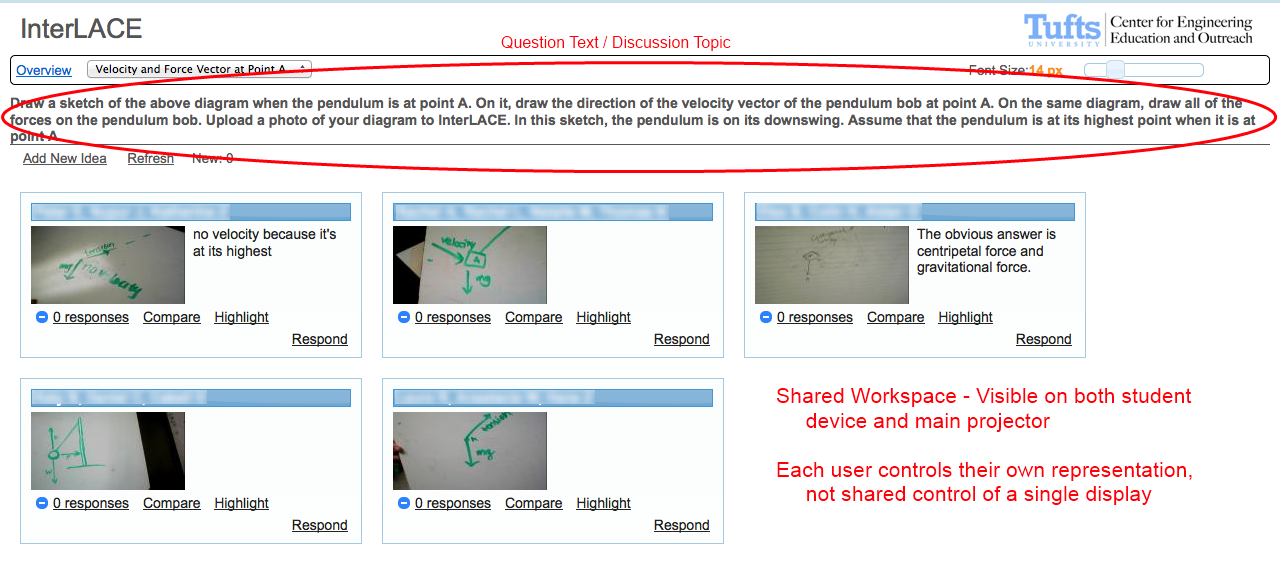 Layout
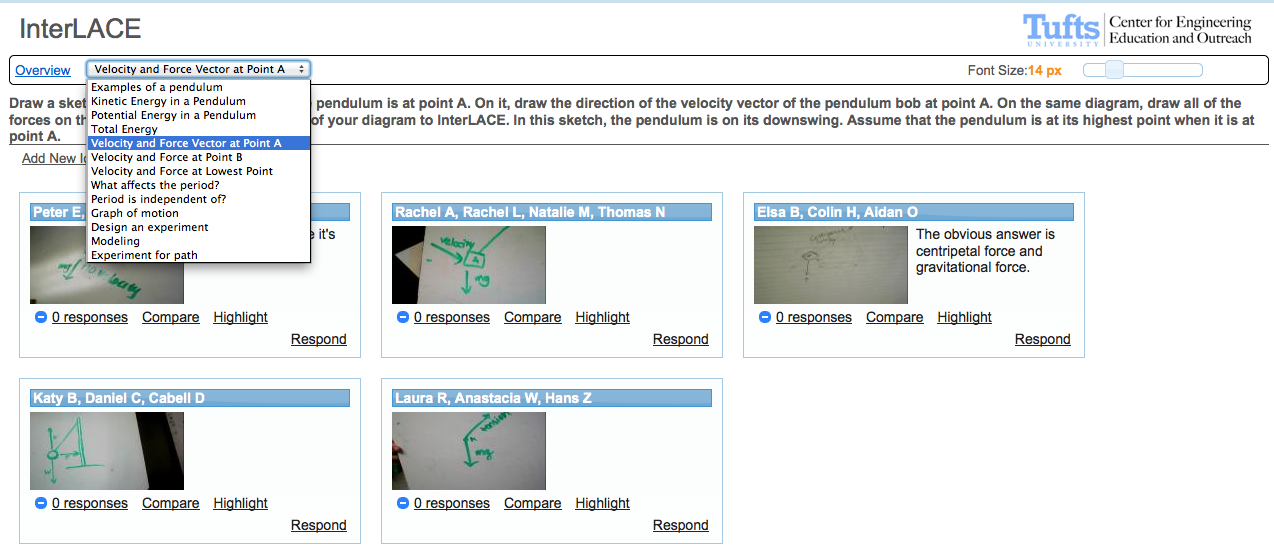 Navigation
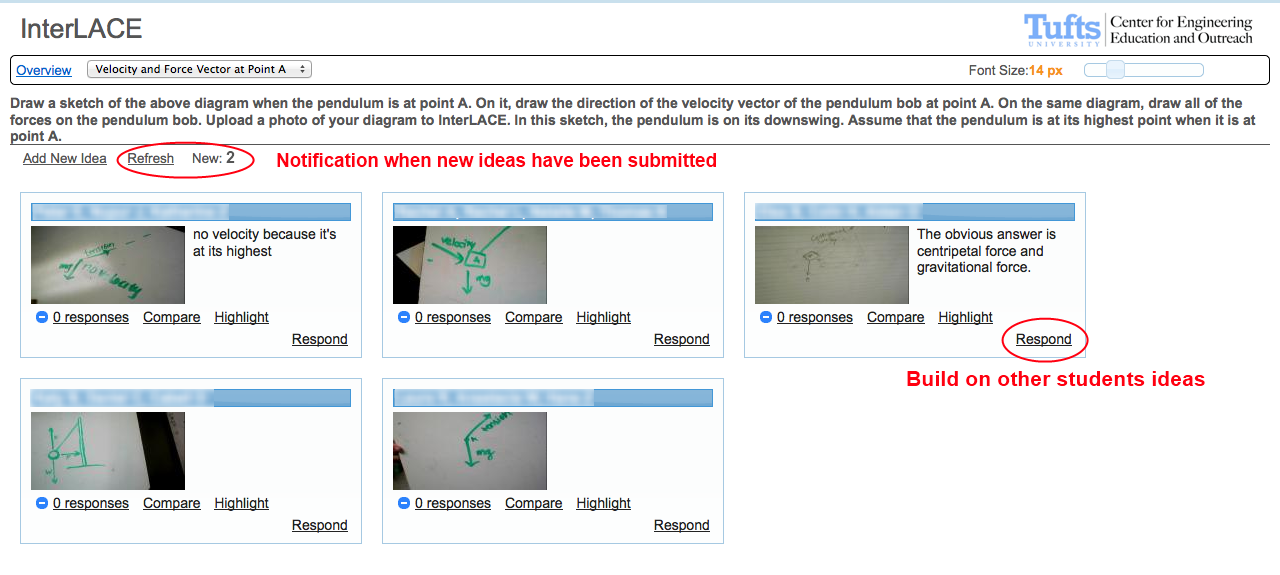 Notifications
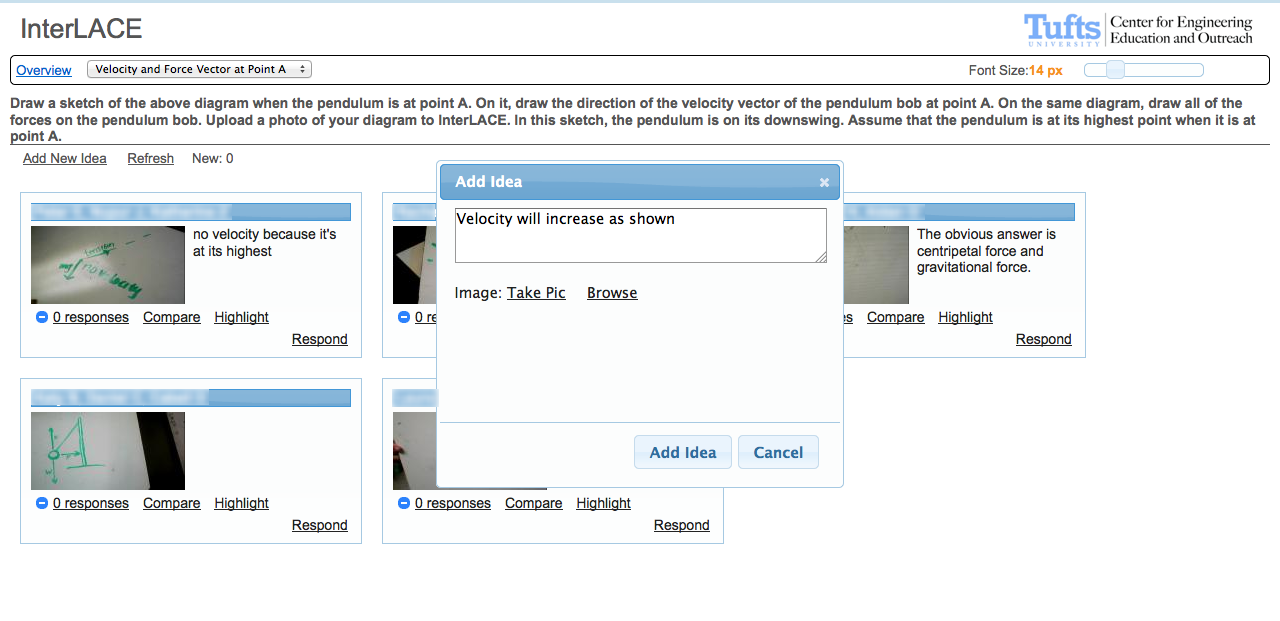 New
Idea
New
Idea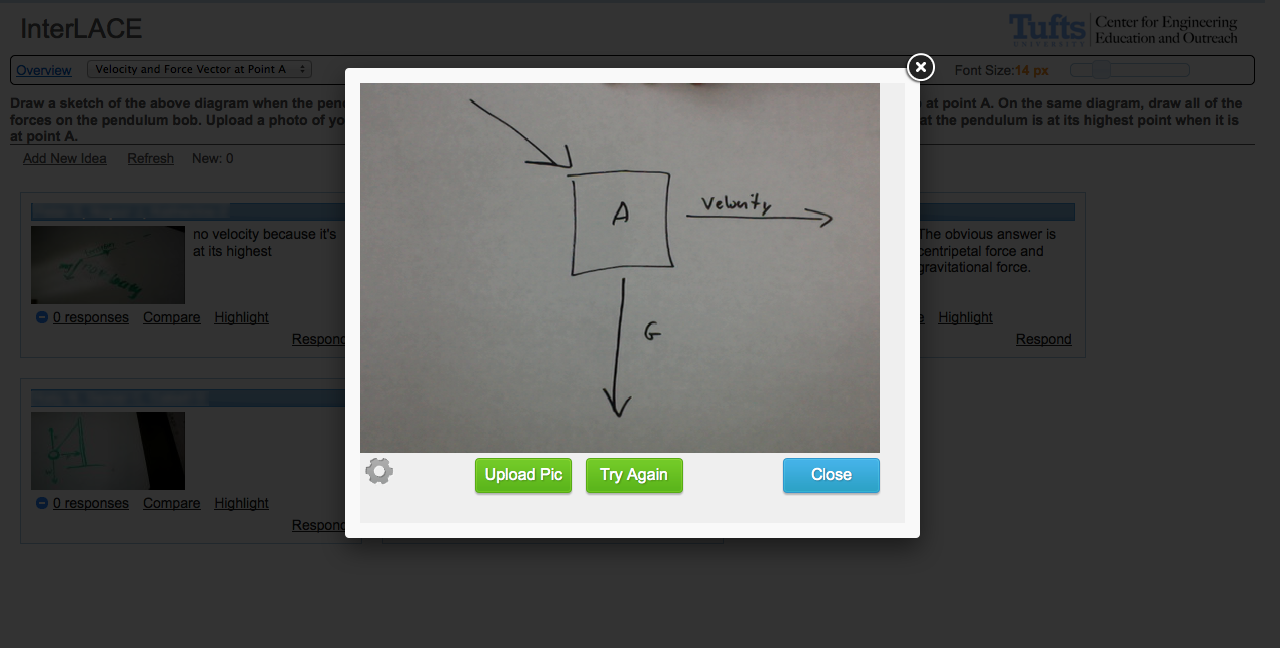 Webcam
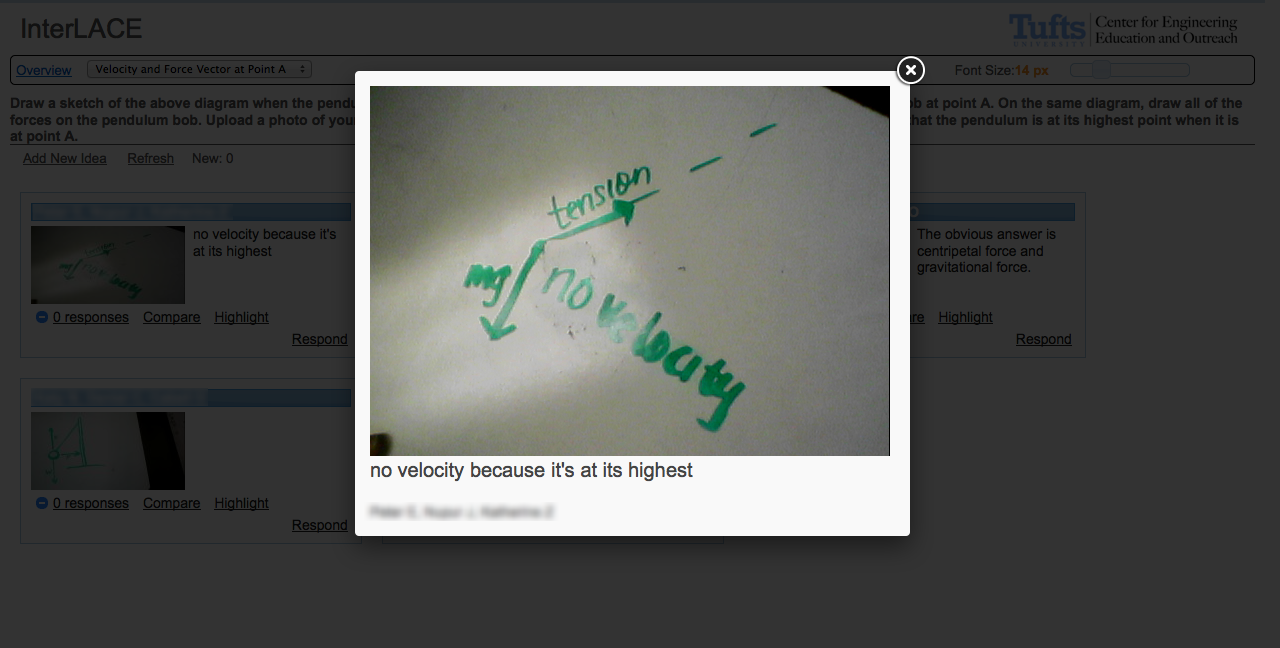 Highlight
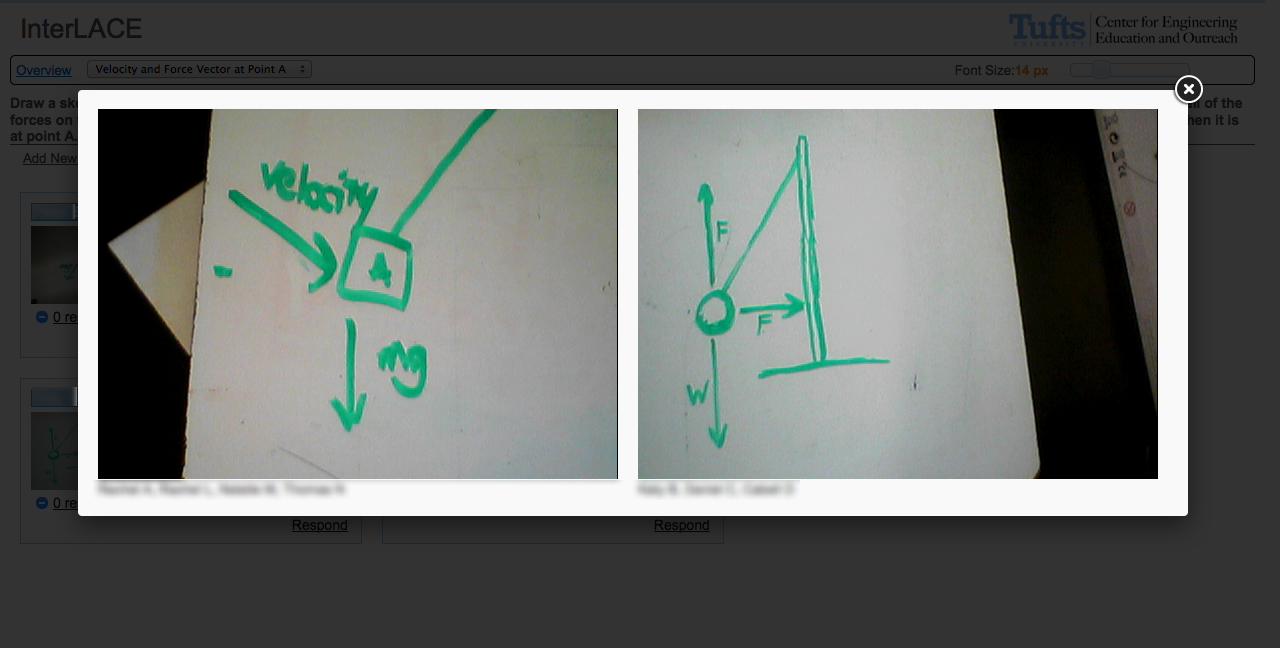 Compare
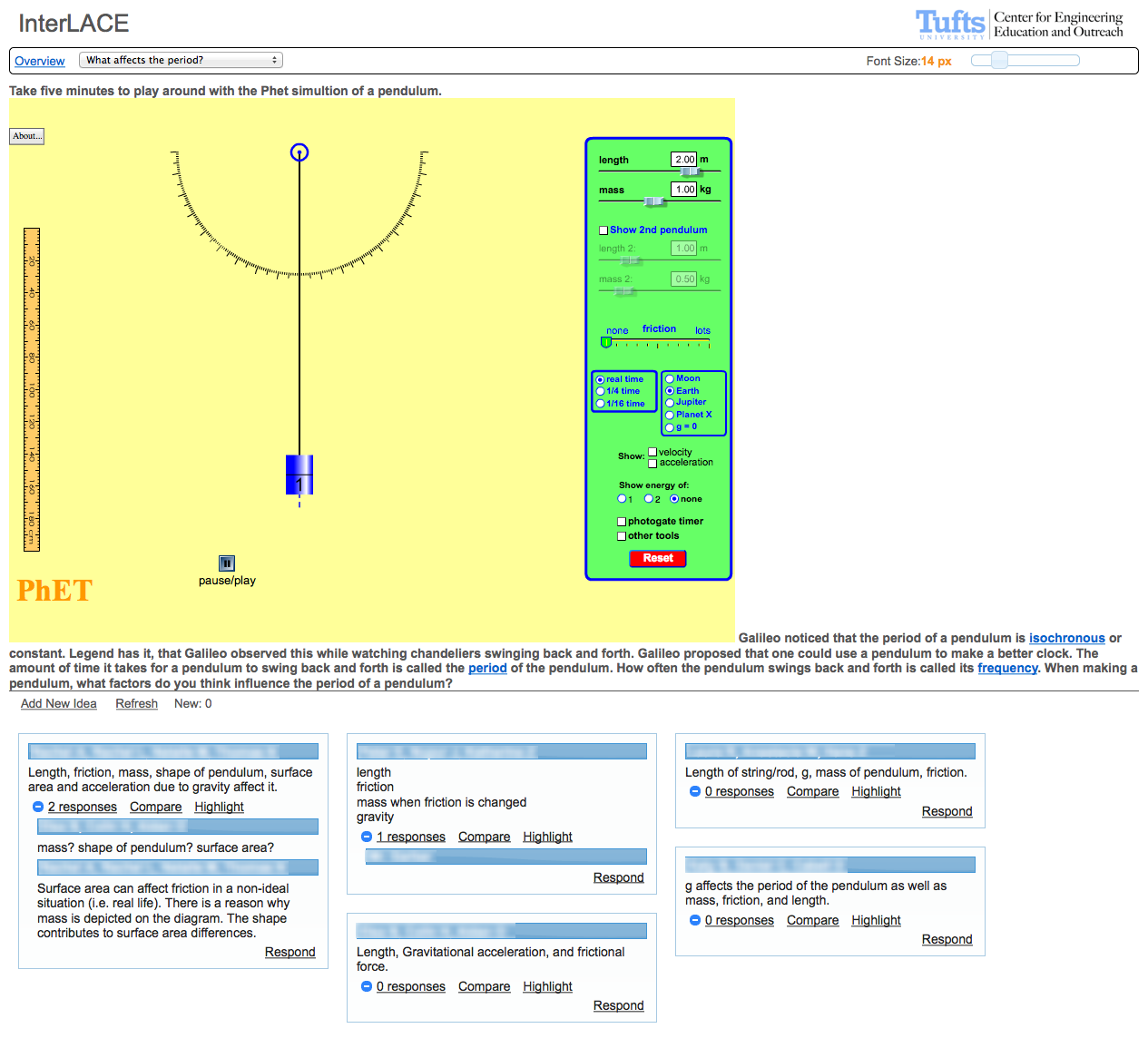 Embed
EmbedVersion 3
September 2012 - December 2012
Refined the overall user experience, much smoother and more intuitive for both the students and the teacher. Cleaner collaboration space that is more icon based, focusing more on the student ideas.
New Inputs: the most demanded by schools with iPads, which is the ability to free sketch that works on a tablet. The second input is the ability to paste an image from the clipboard and crop to a selection, which gets screenshots of other applciations quickly imported.
Much more robust teacher interface, highlighed by a WYSIWYG editor for teachers with the ability to upload media to the server. Teachers can also re-order questions in a lesson plan.
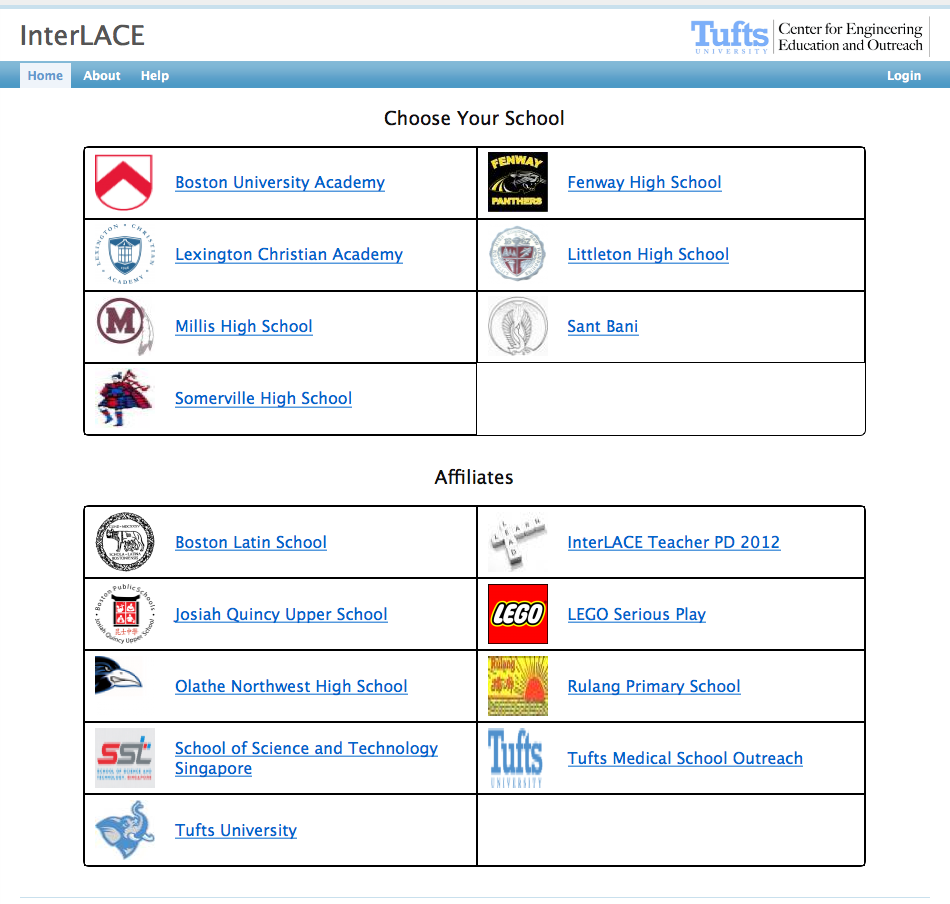 New
Look and Feel
New
Look and Feel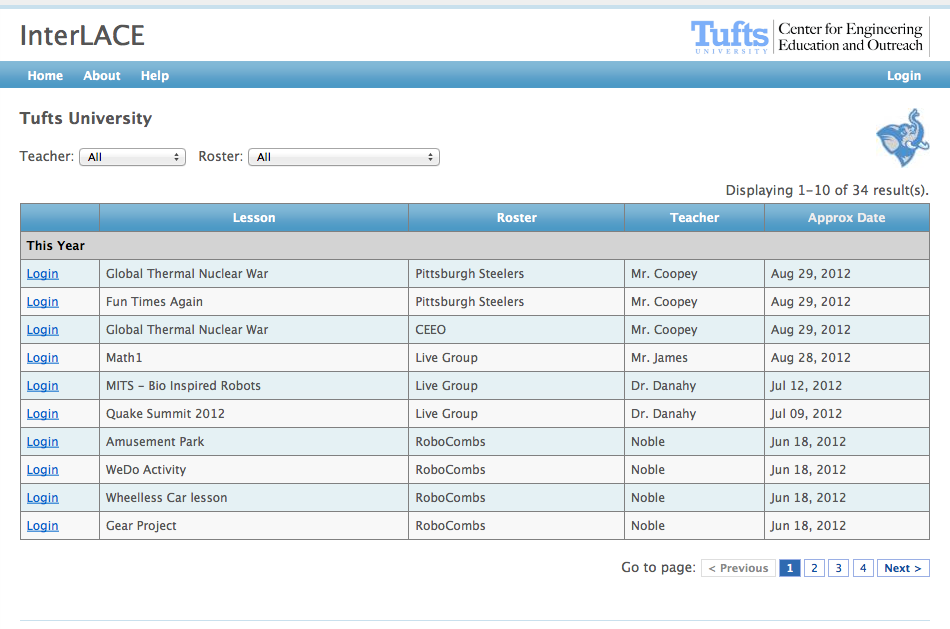 Find
My Class
Find
My Class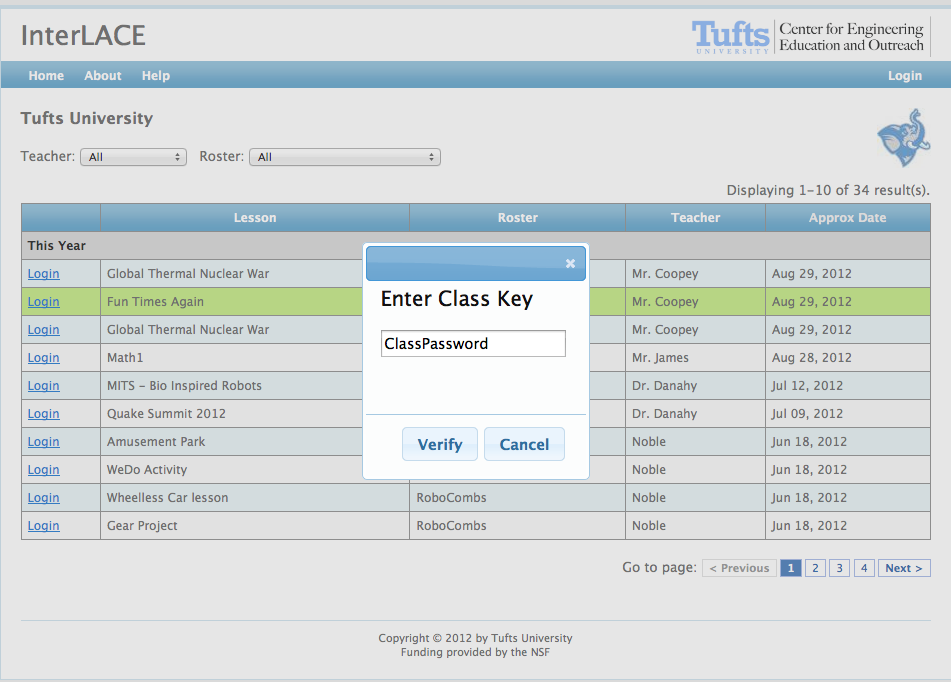 Easy
Login
Easy
Login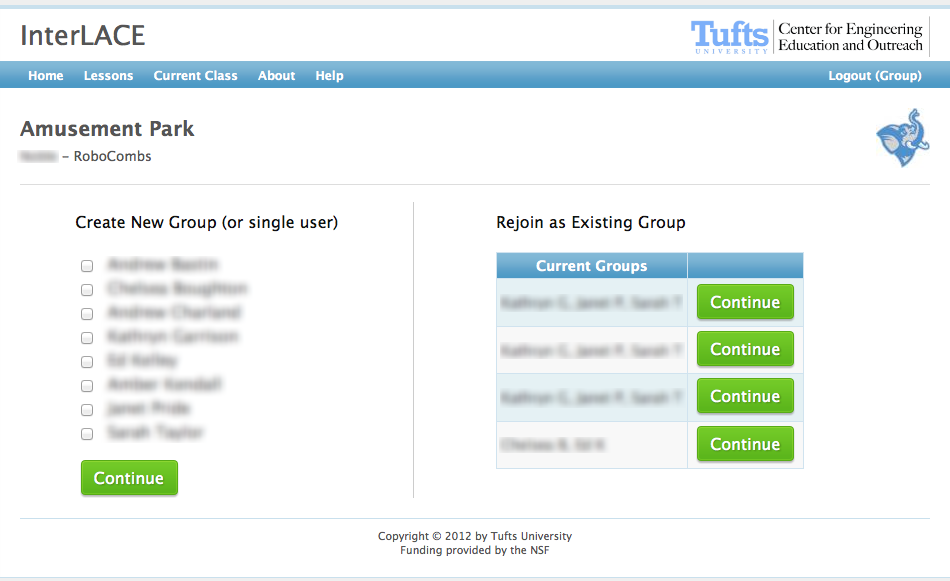 Declare
Group
Declare
Group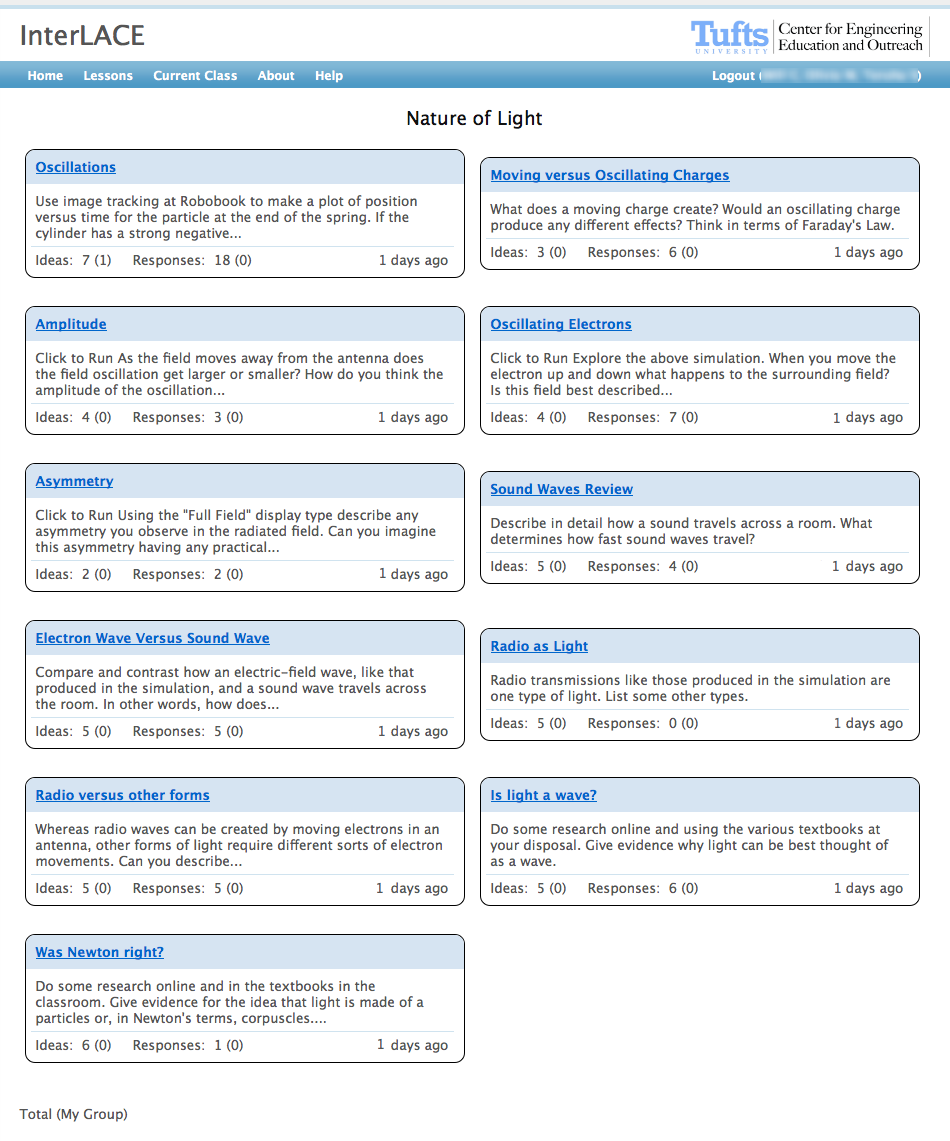 Topics
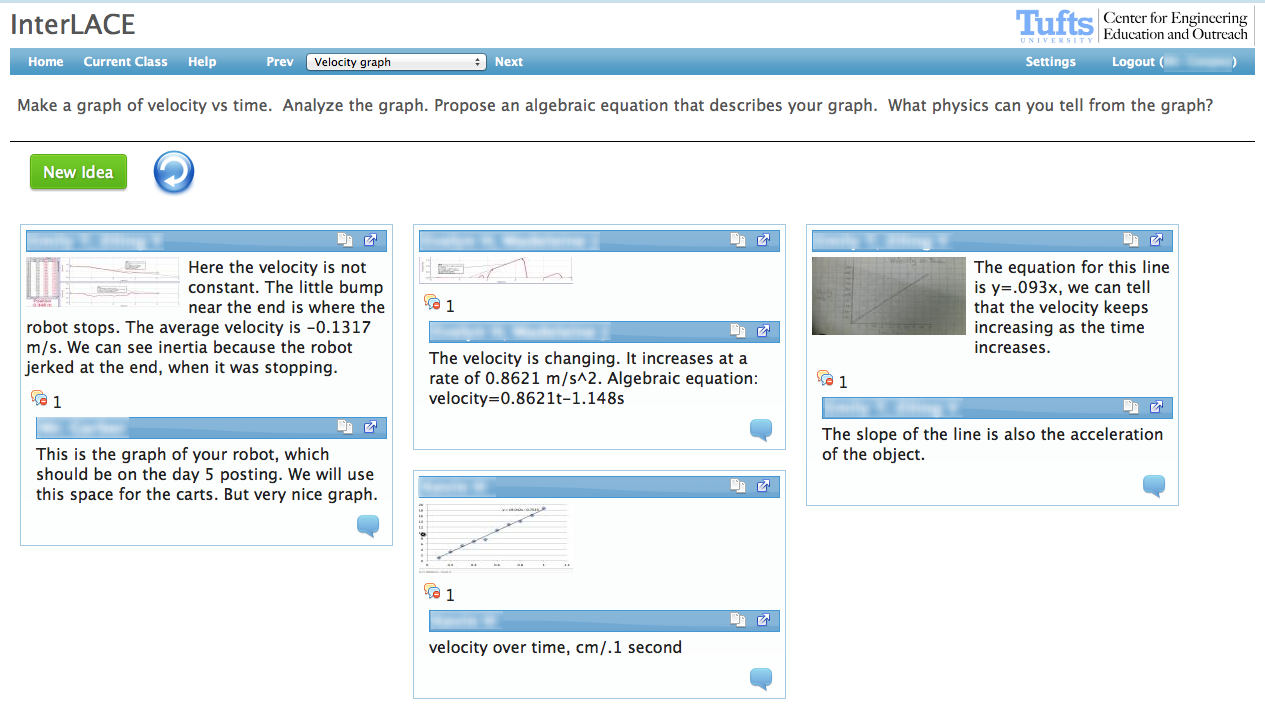 Collaboration
View
Collaboration
View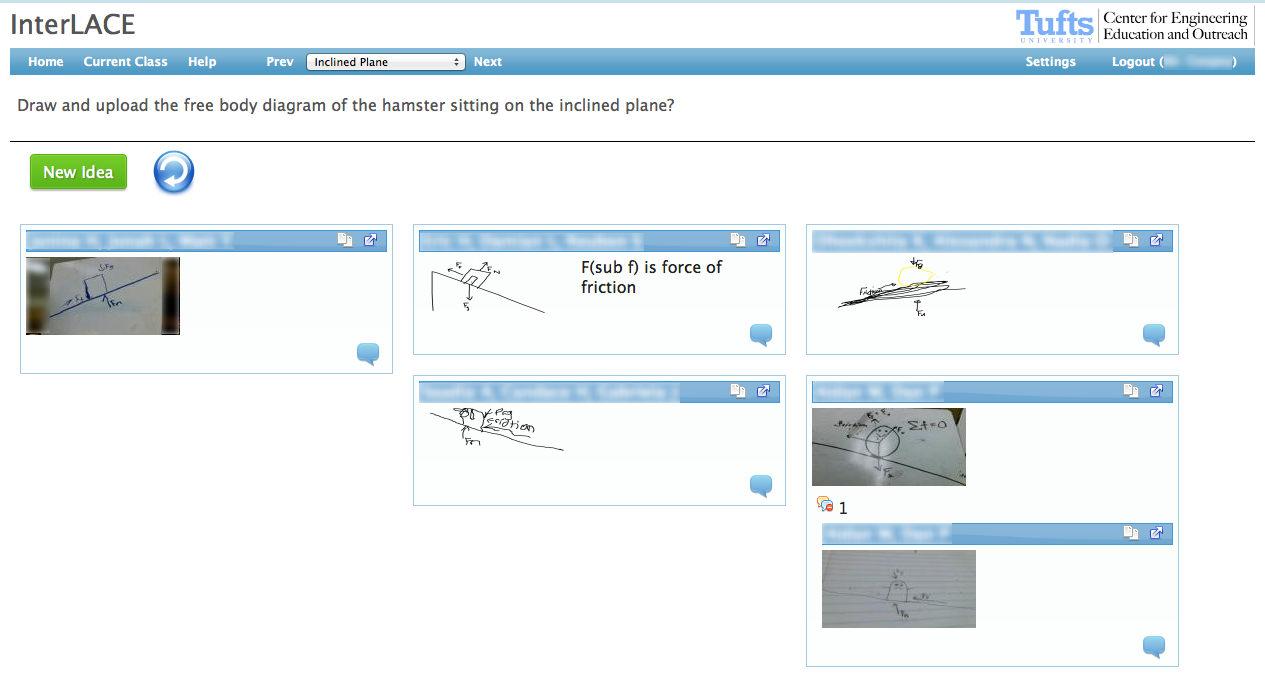 Example
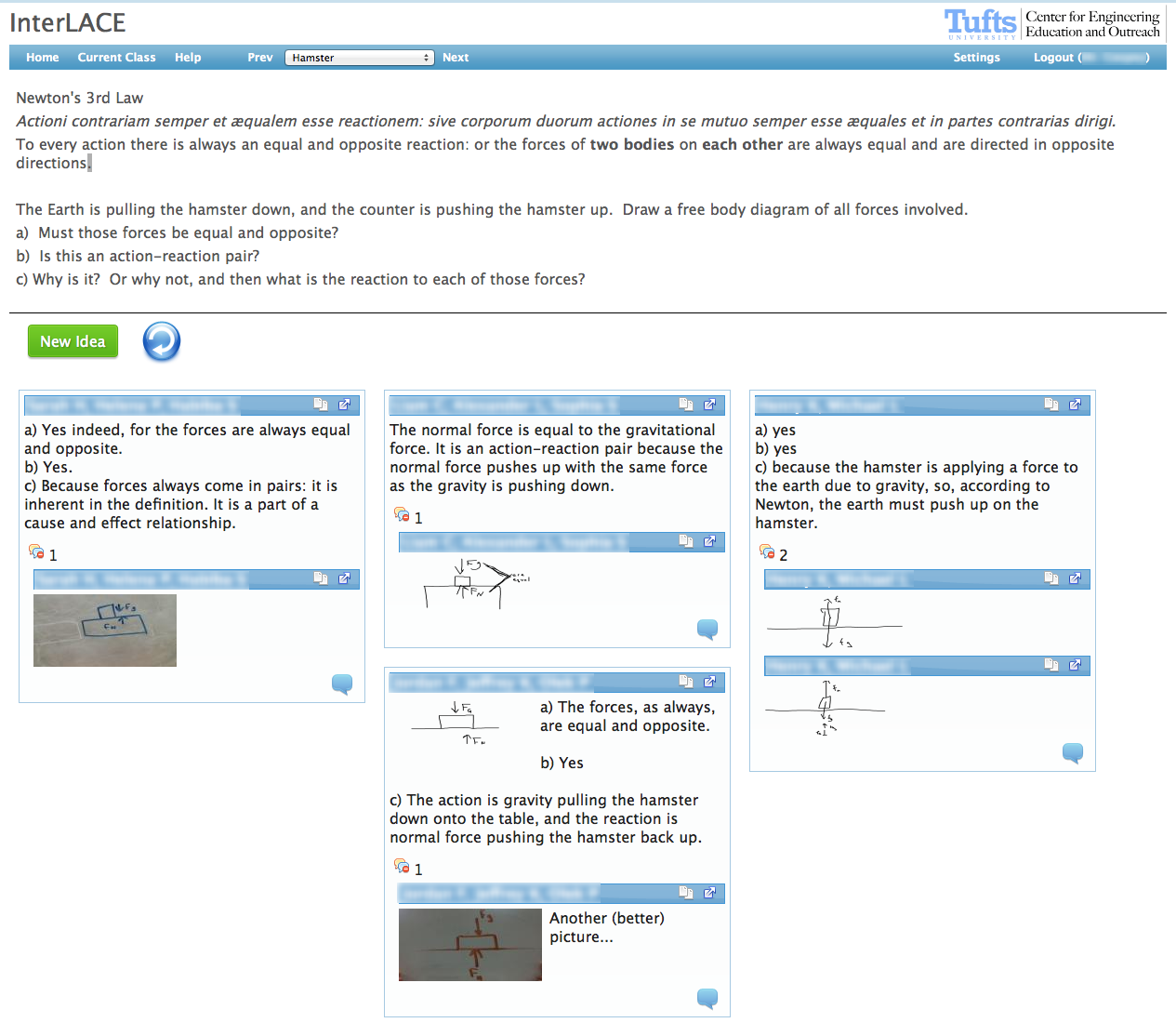 Example
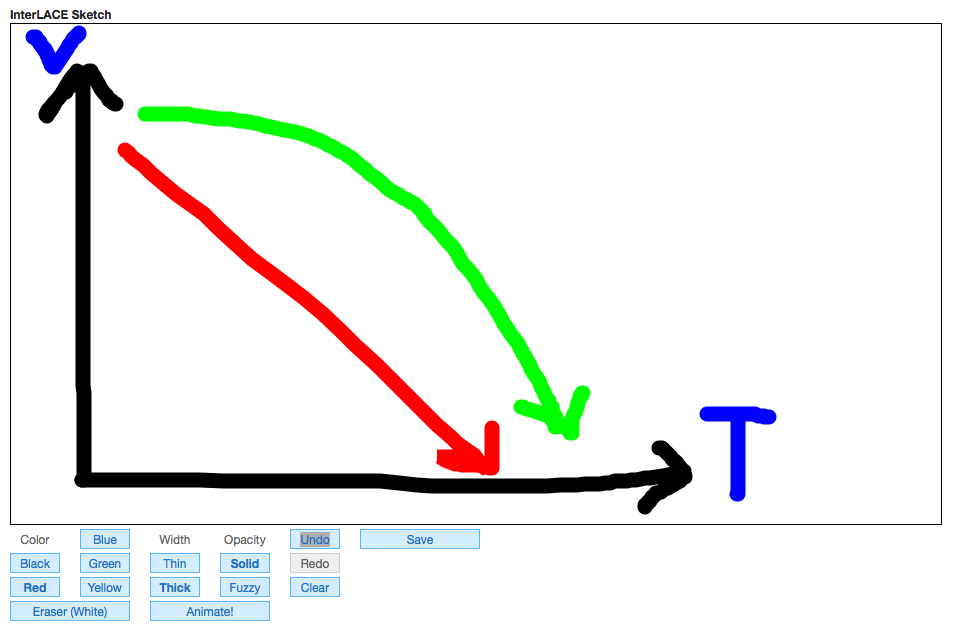 Free
Sketch
Free
Sketch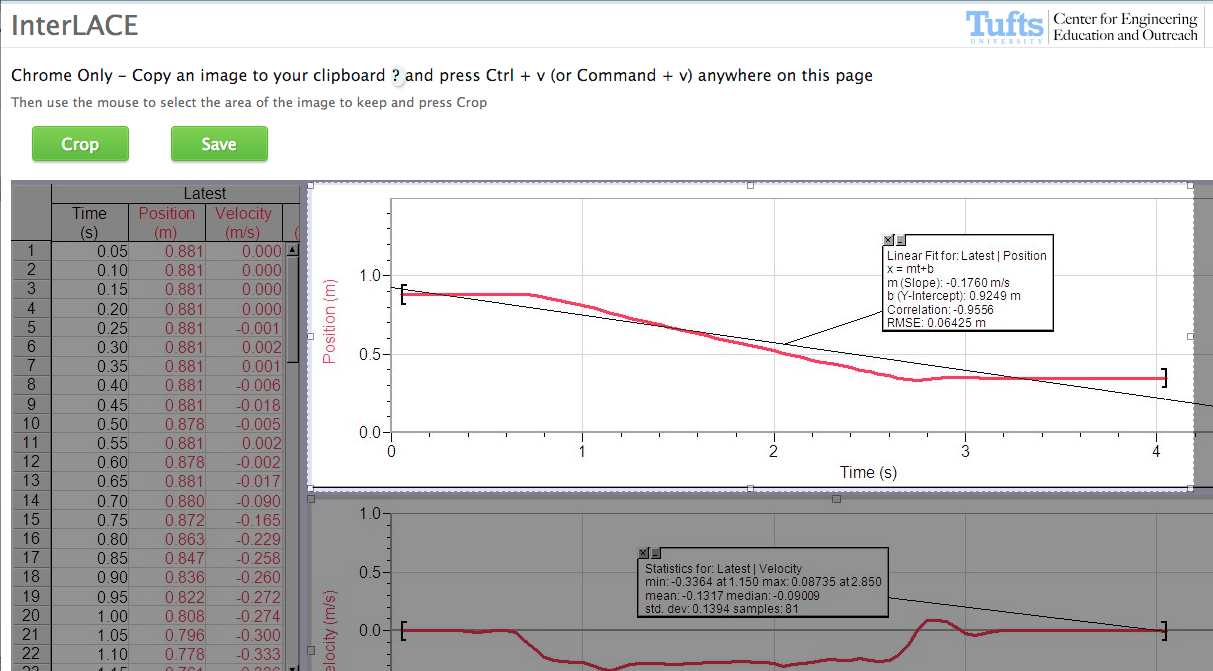 Paste
from Clipboard
Paste
from Clipboard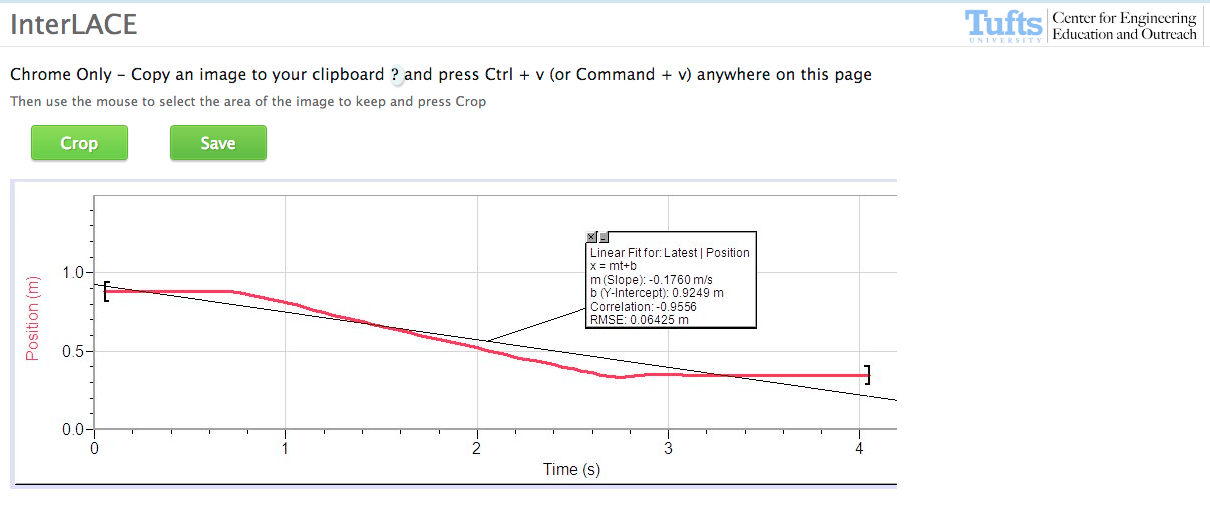 Crop
Image
Crop
Image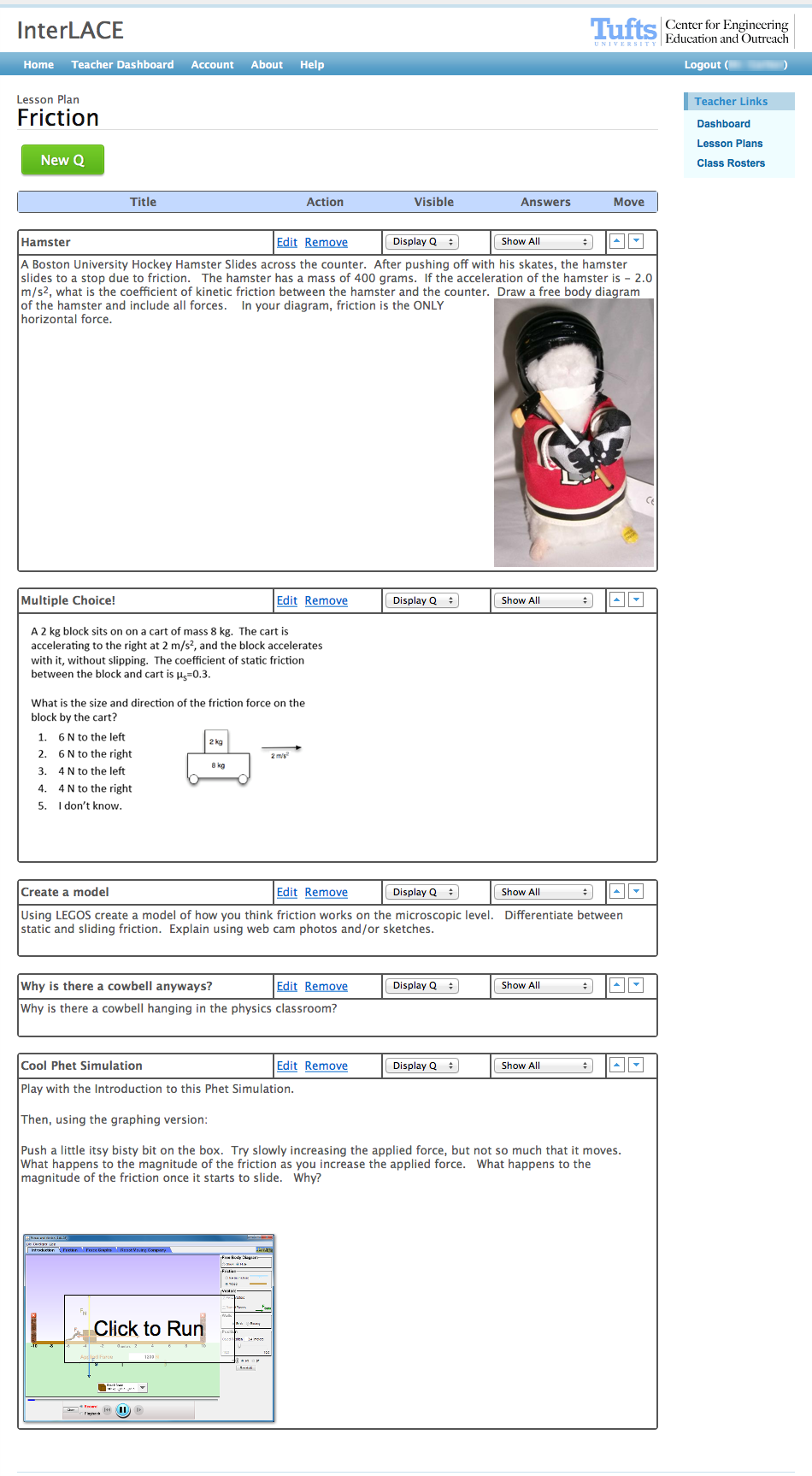 Lesson
Plans
Lesson
Plans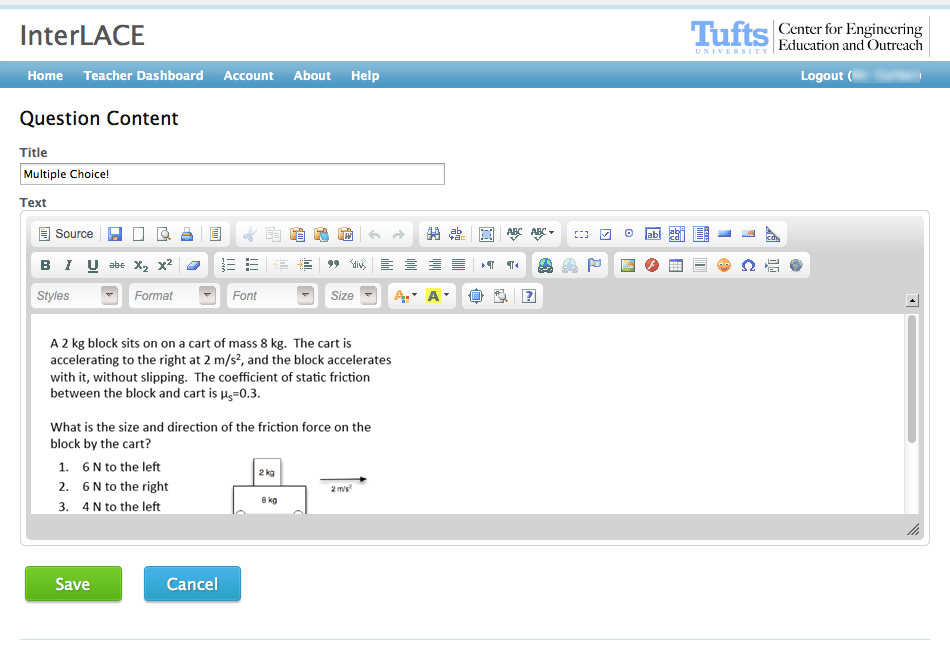 WYSIWYG
Editor
WYSIWYG
Editor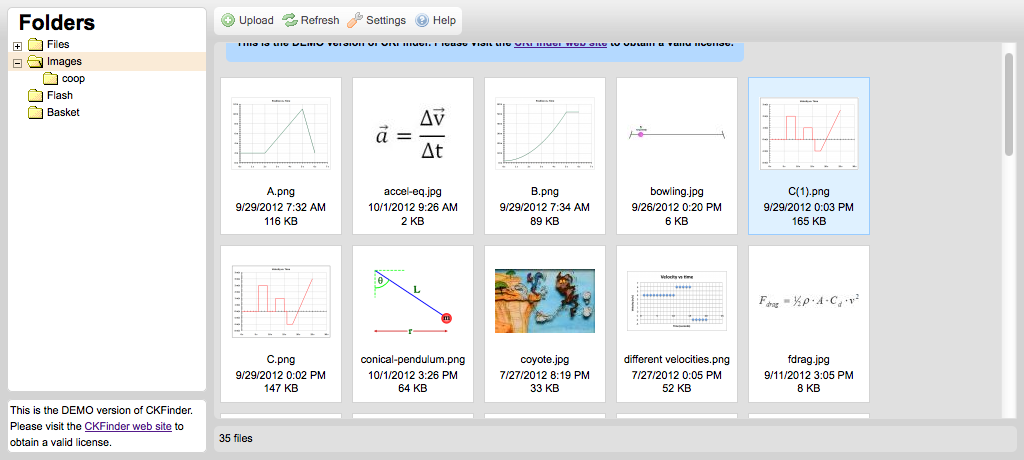 Upload
Media
Upload
MediaVersion 4
December 2012 - August 2013
Enabled tagging to support argumentation and meta-data analysis. Teachers also used the tags to have students reference each other's posts.
Individual posts on InterLACE are draggable. The ability to save individual arrangements was introduced. These individual arrangements were visible to all participants. This feature supported group wide discussions, where students had a tangible representation of their understanding of the artifacts to discuss.
Enabled a background image on the sketching input, allowing for engaging and flexible prompts.
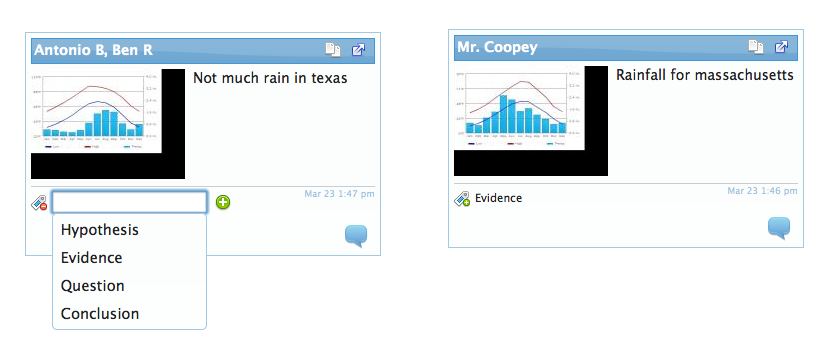 Tagging
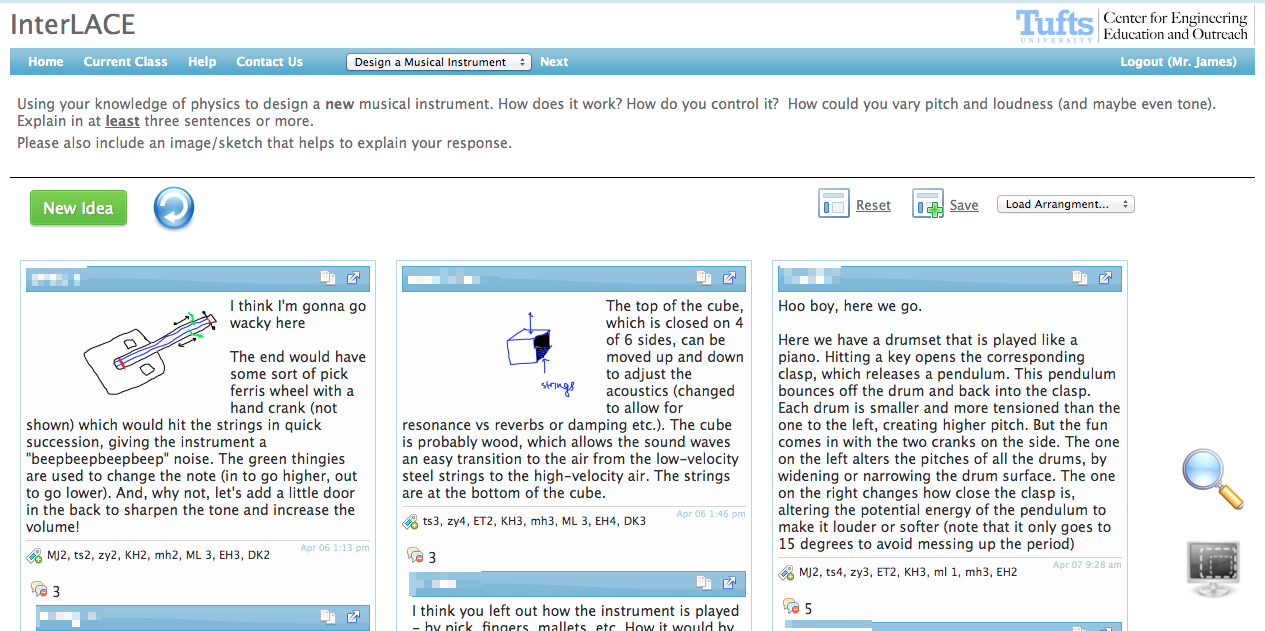 Reference
by Tag
Reference
by Tag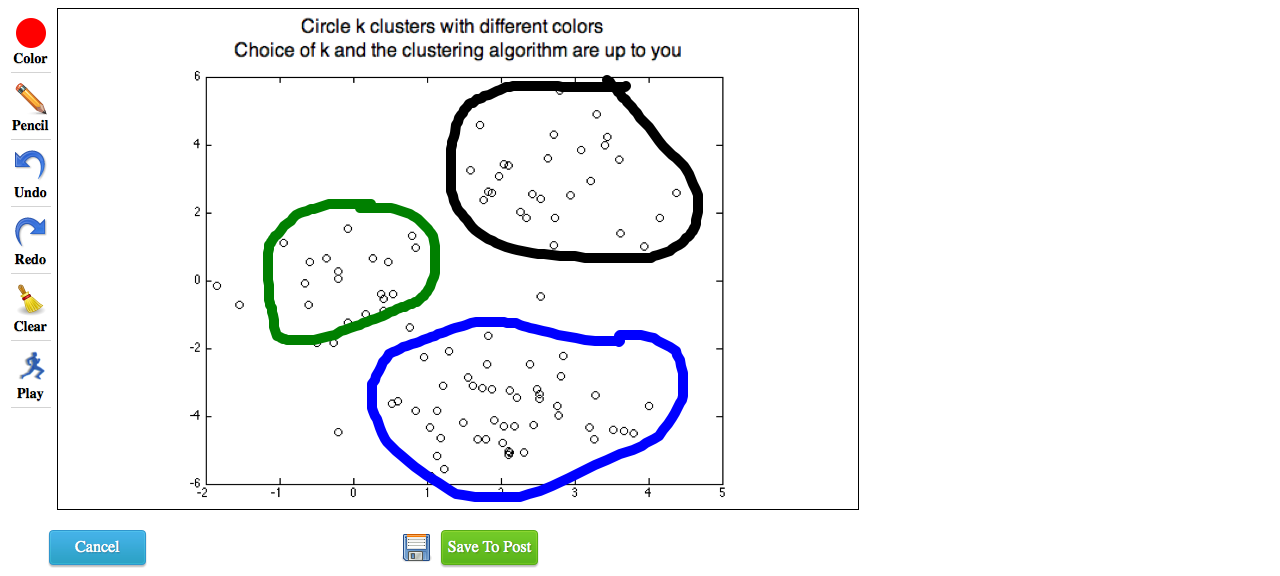 Sketch
Background
Sketch
Background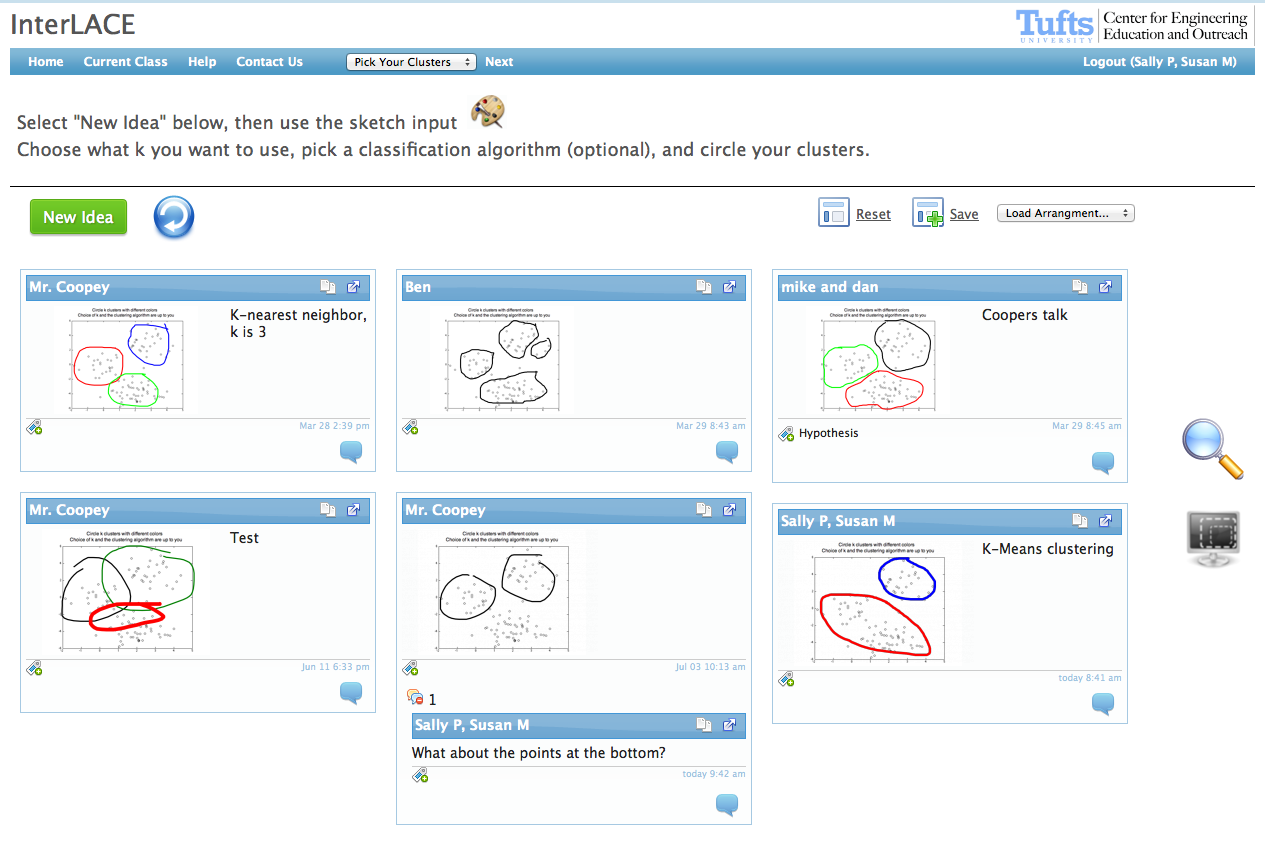 Default
View
Default
View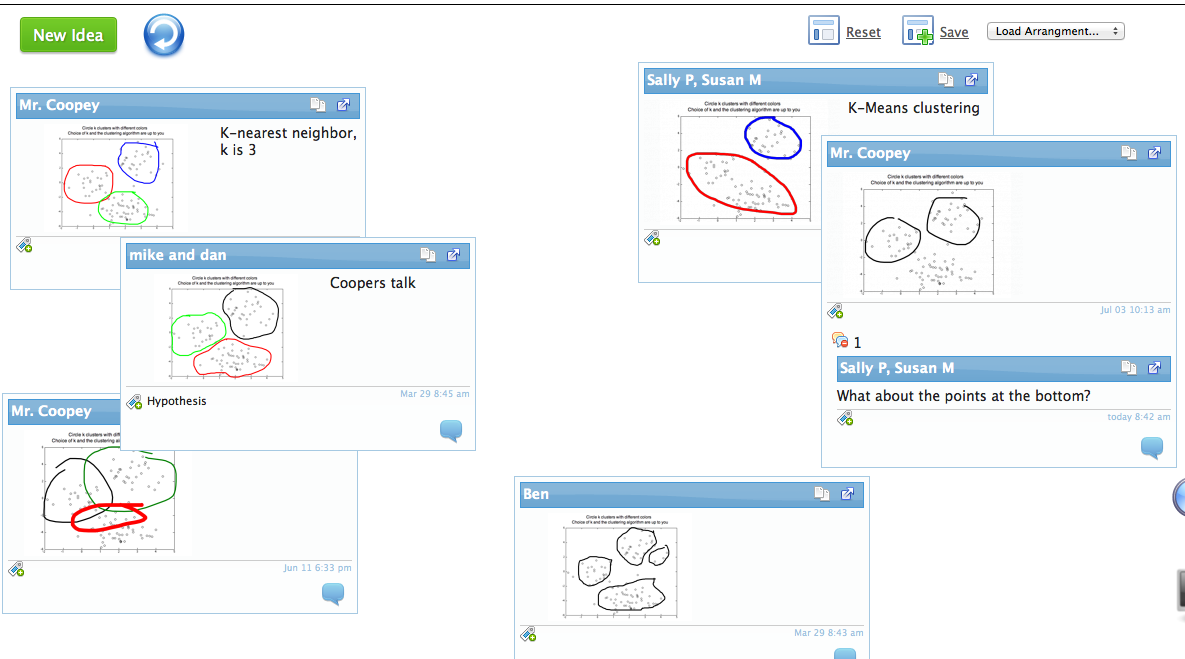 Arrange
1
Arrange
1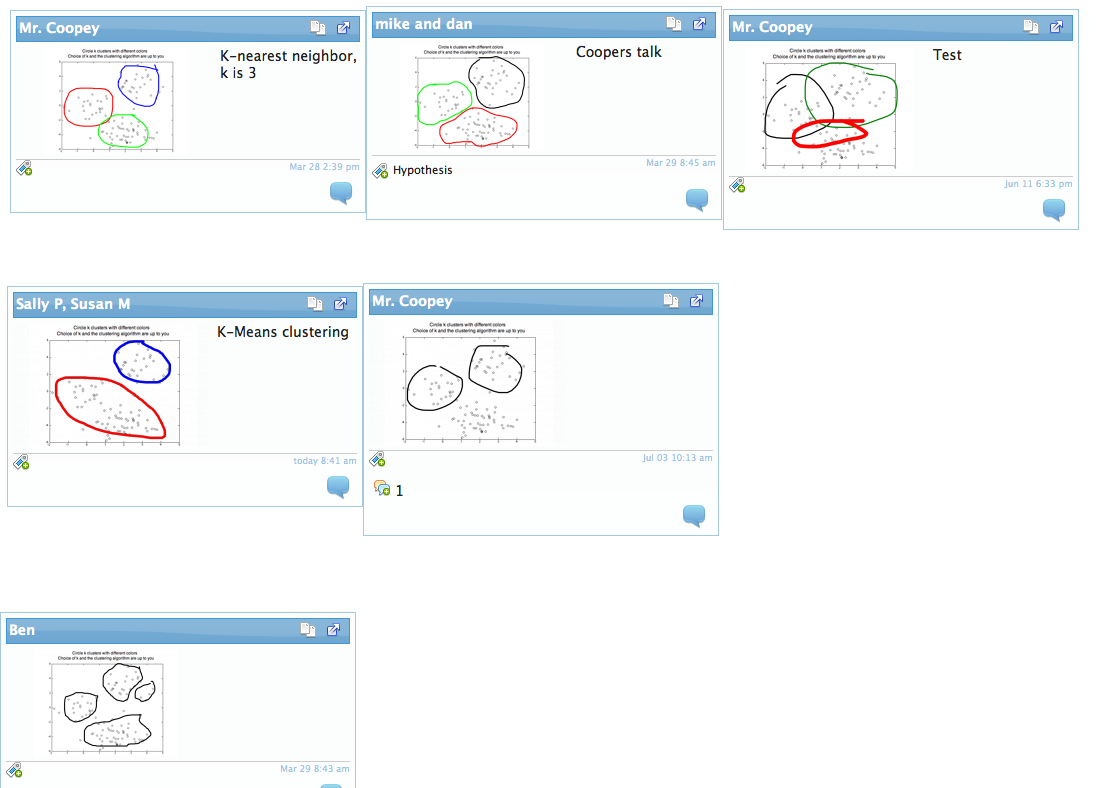 Arrange
2
Arrange
2